
NVMe-oF Access Setup
This section covers configuring NVMe over TCP to present block-based storage to clients. This includes creating targets and making storage available to systems that require high-performance, low-latency block access.
The system also supports NVMe over Fabrics using RDMA (RoCE) where the underlying network is designed to support it. This can provide lower latency and higher throughput compared to TCP, but requires an RDMA capable network interfaces and a properly configured network.
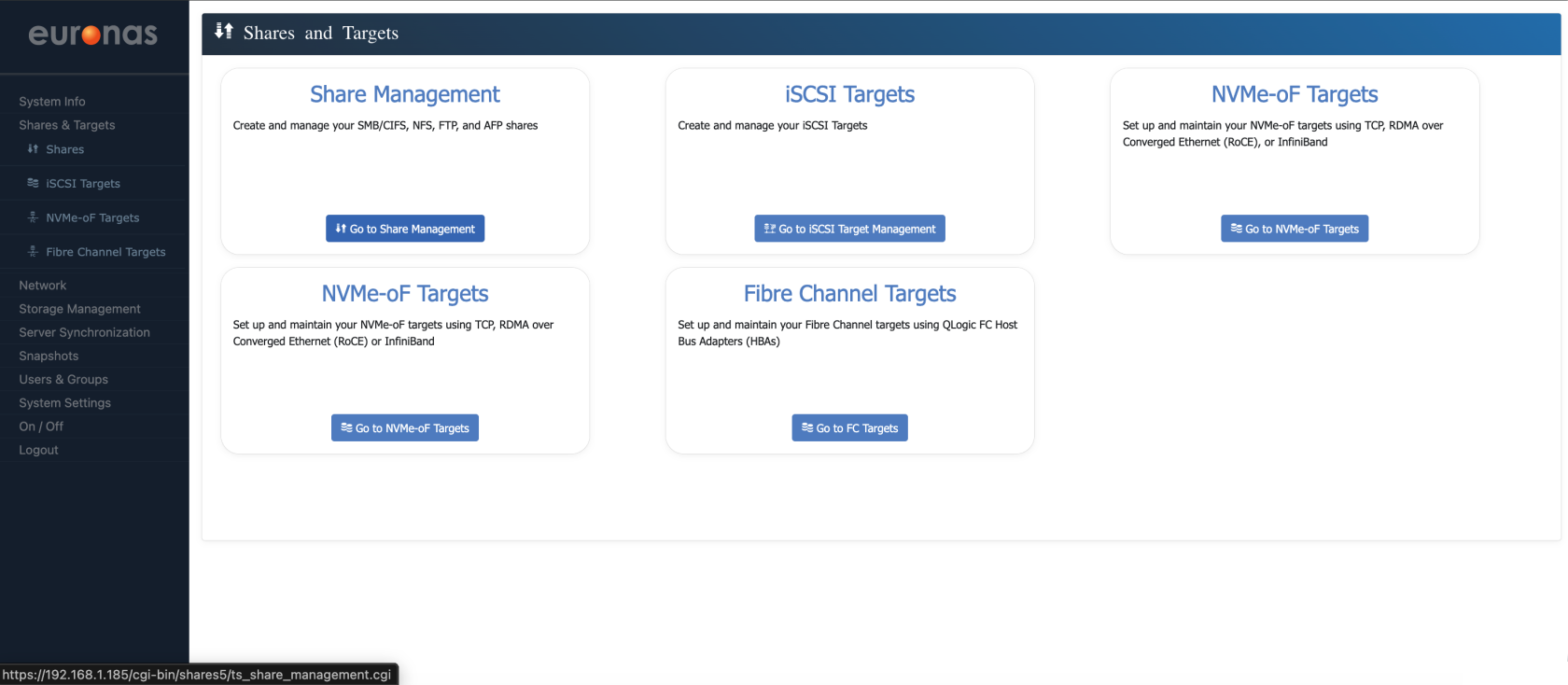
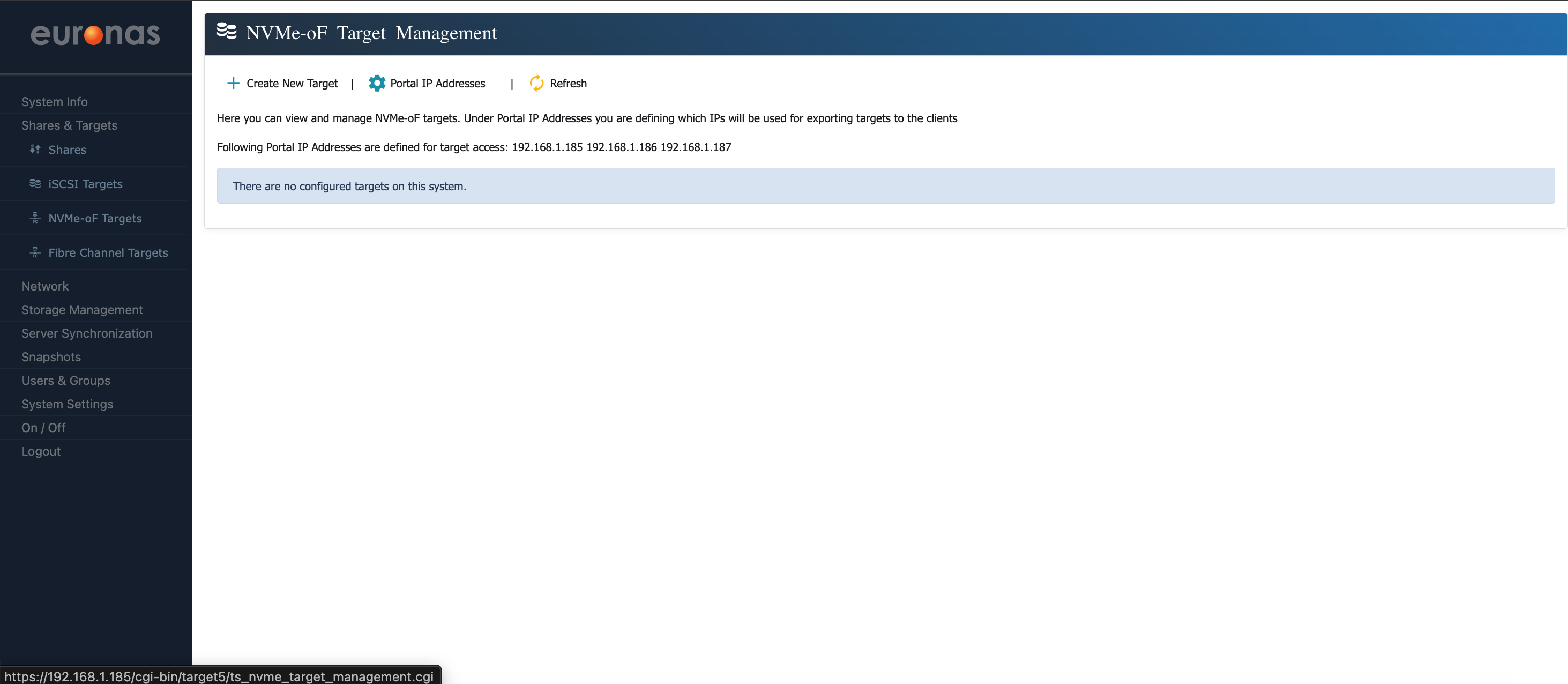
The next step is to create a new NVMe-oF target by clicking the + Create New Target menu option
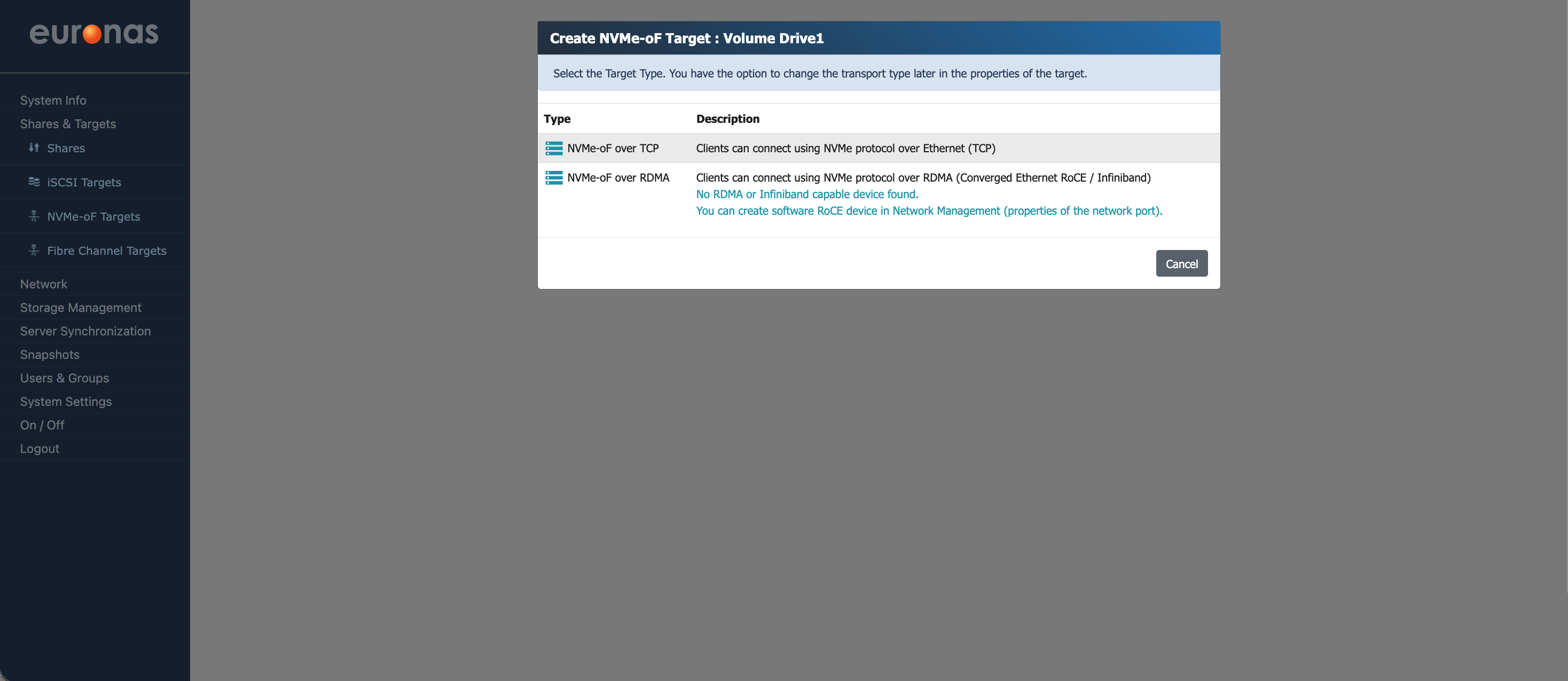
Select the NVMe-oF over TCP option to continue.
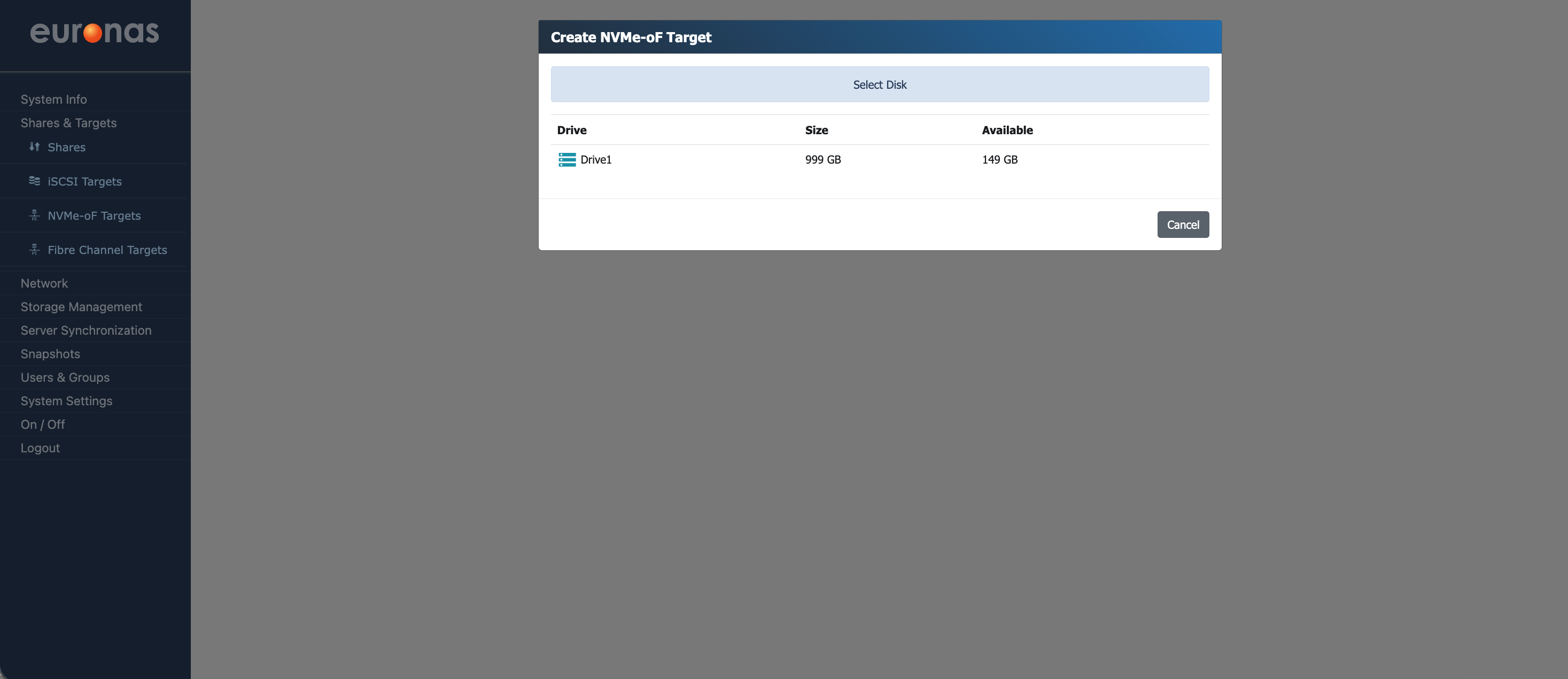
Select Drive1 to continue. As shown, the available capacity has reduced following the previous allocations.
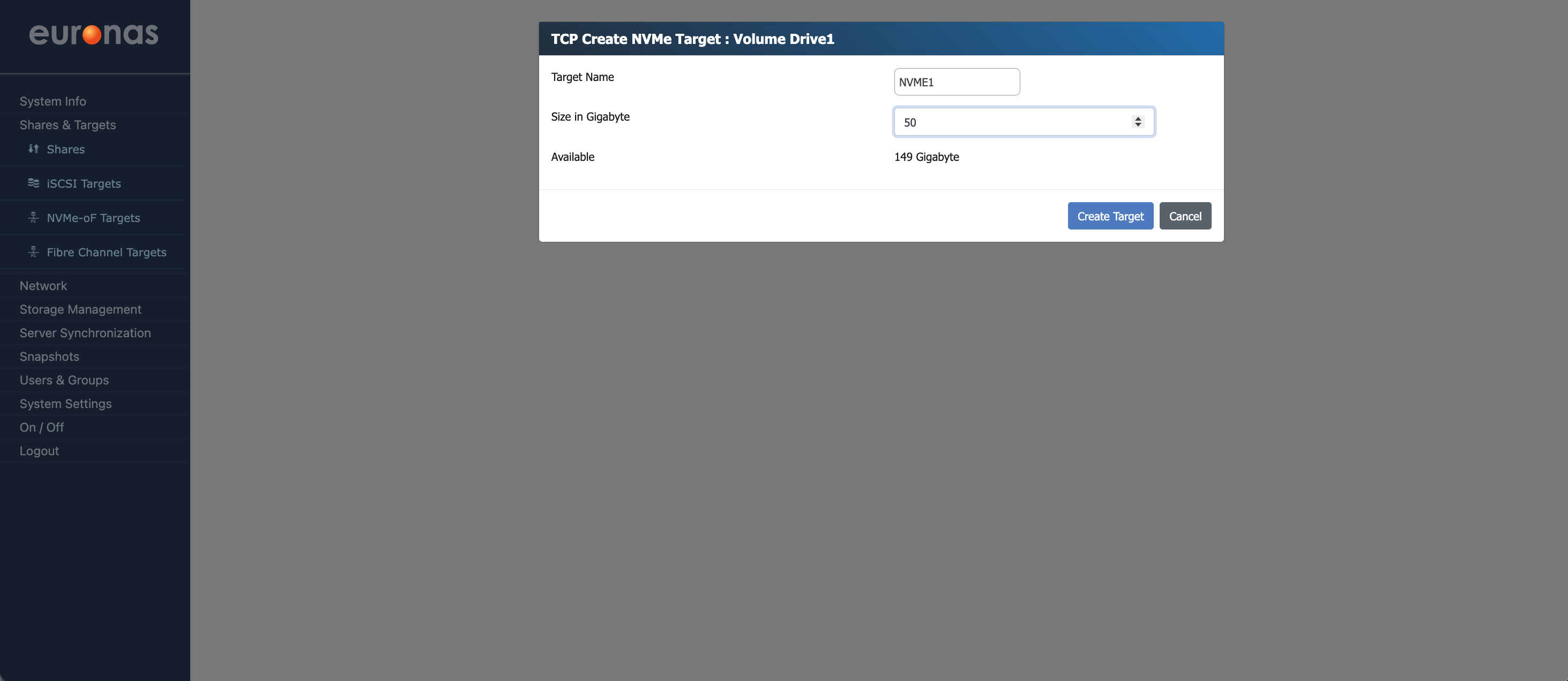
Provide an appropriate target name and define the required size based on your workload.
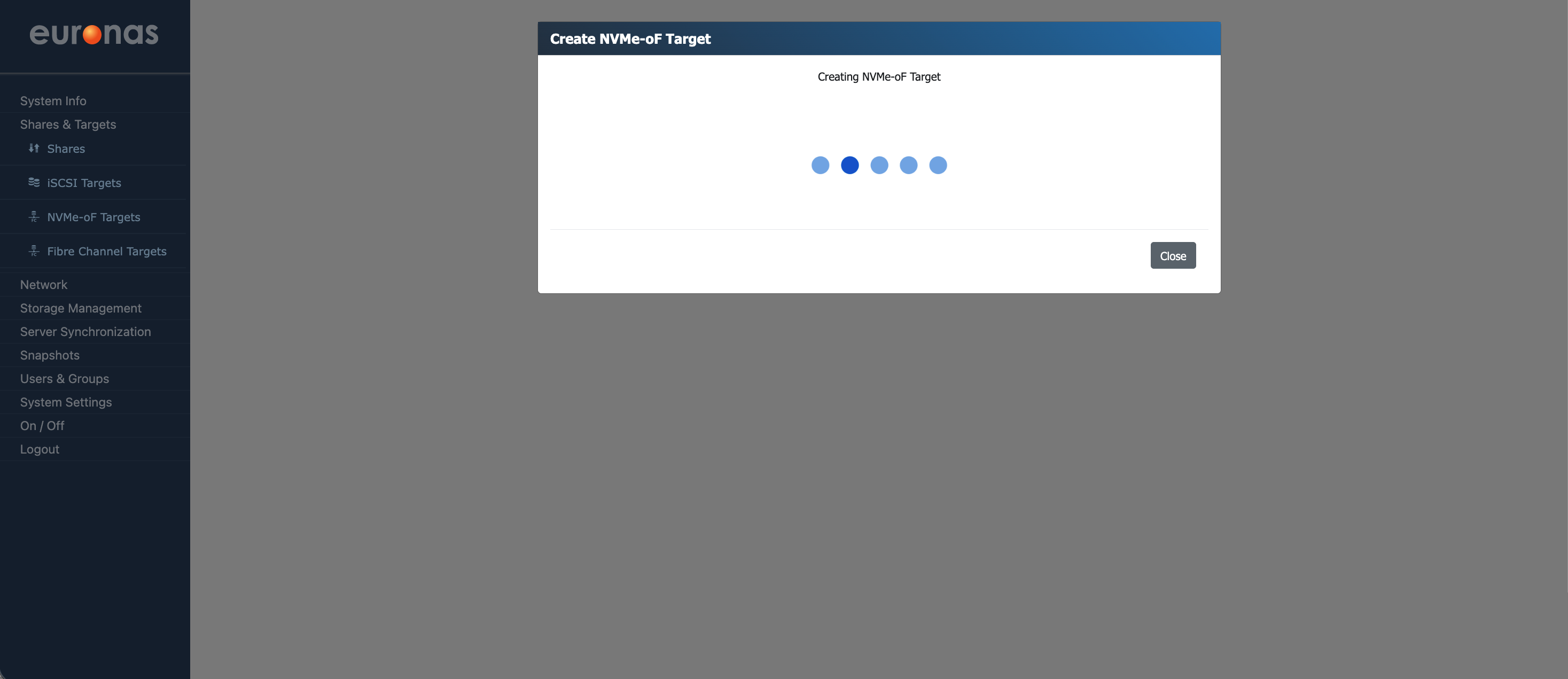
The system will now create the new target. This process may take some time depending on the size selected.
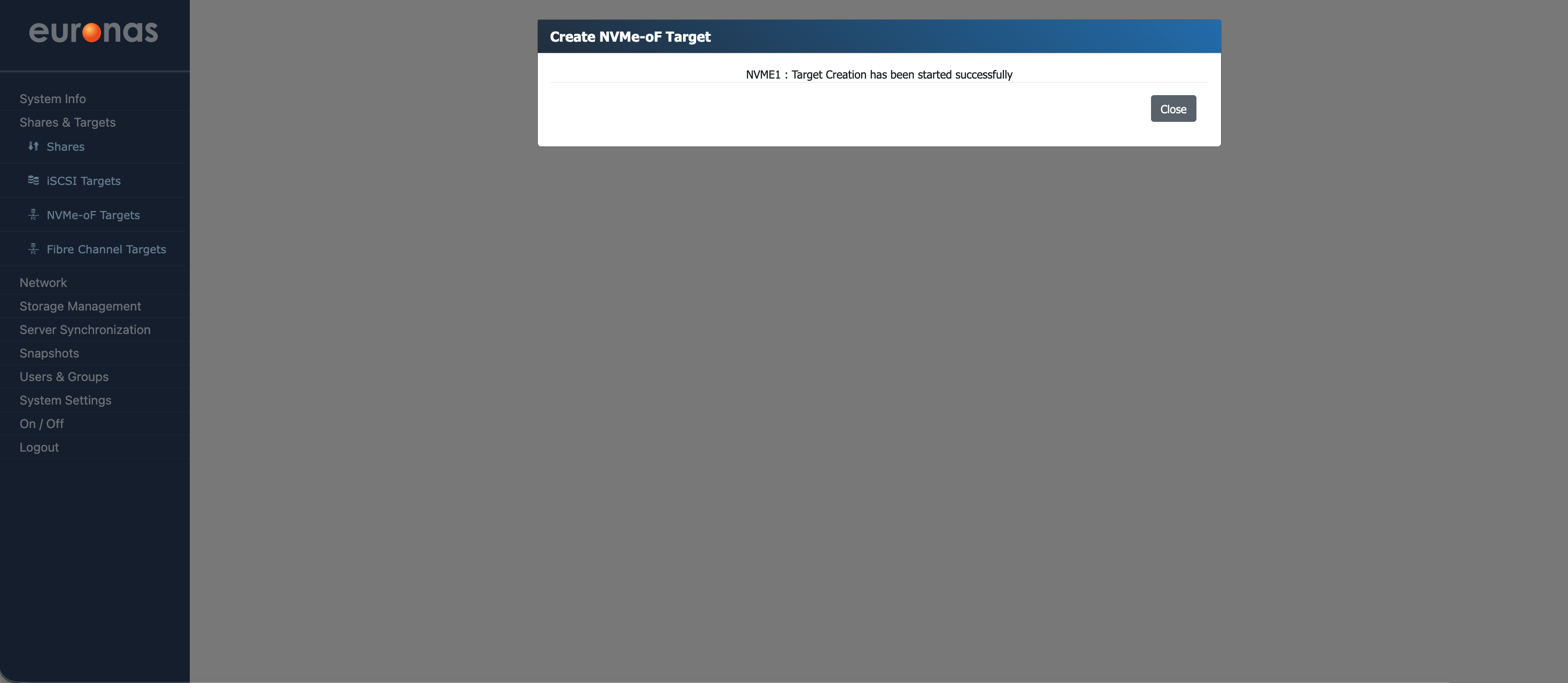
The system will begin creating the target. Once complete, a confirmation message will be displayed indicating that the target has been created successfully. Select Close to return to the NVMe-oF management screen.
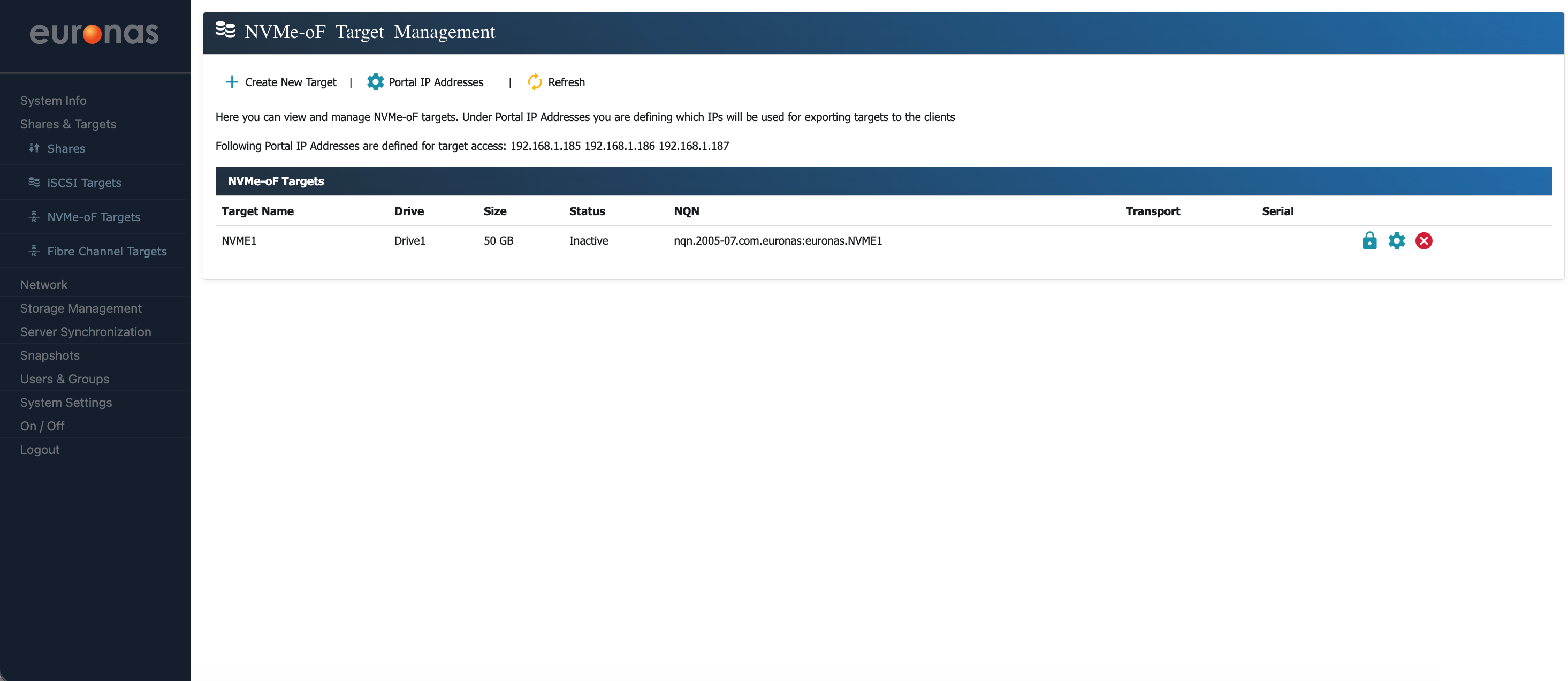
As shown, the NVMe over Fabrics (NVMe-oF) target has been created and is visible in the target management screen.
The table displays key information including the target name, assigned drive, size, status, and NQN (NVMe Qualified Name). The NQN is the unique identifier used by client systems to discover and connect to the target.
From this screen, the target configuration can be reviewed and access managed as required.