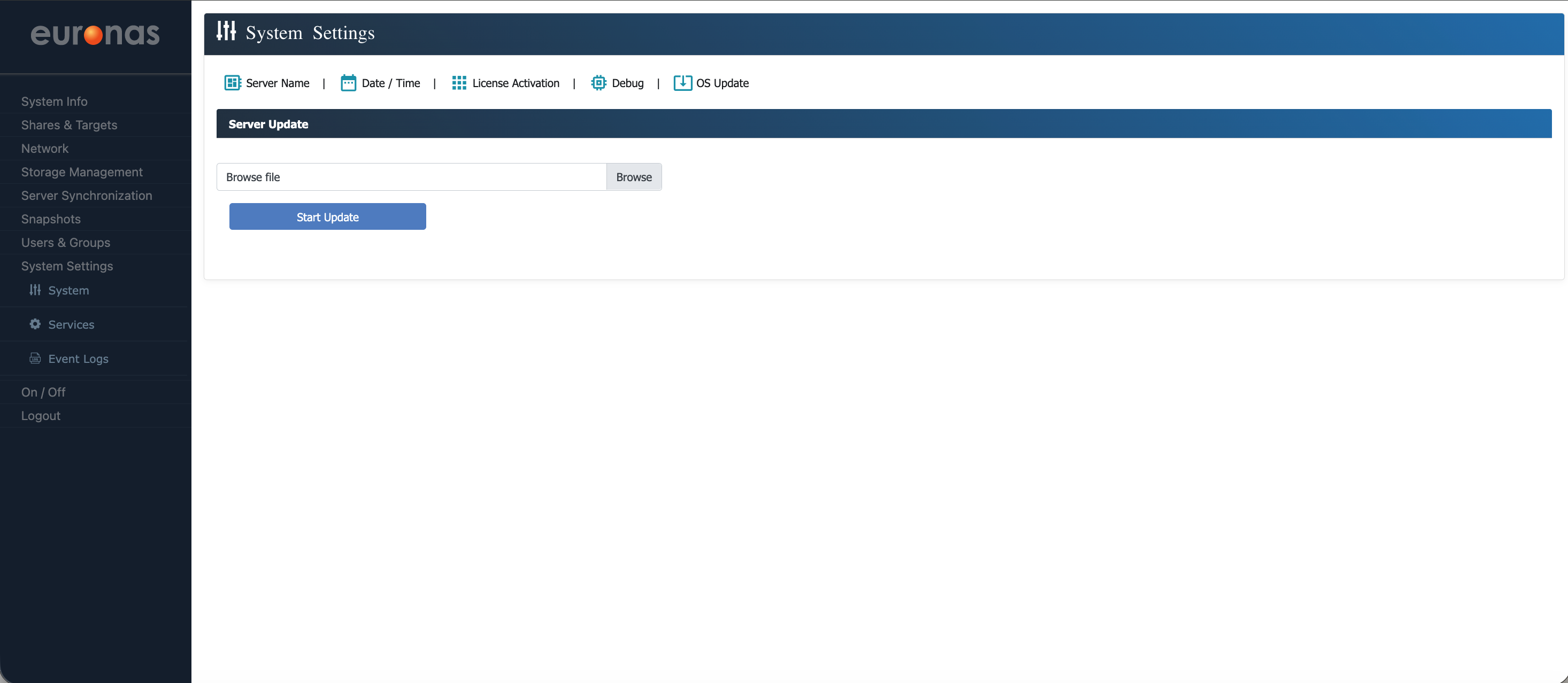
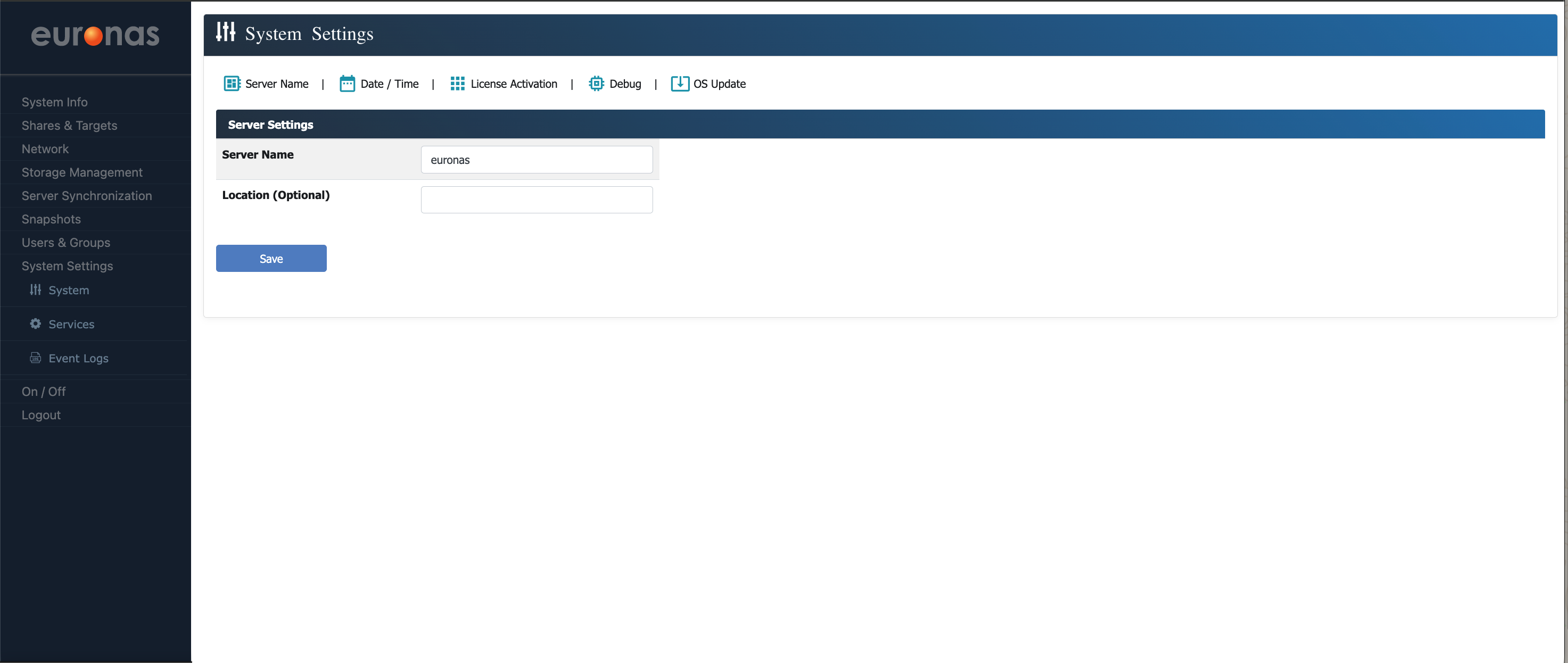
Server Name and Software Update
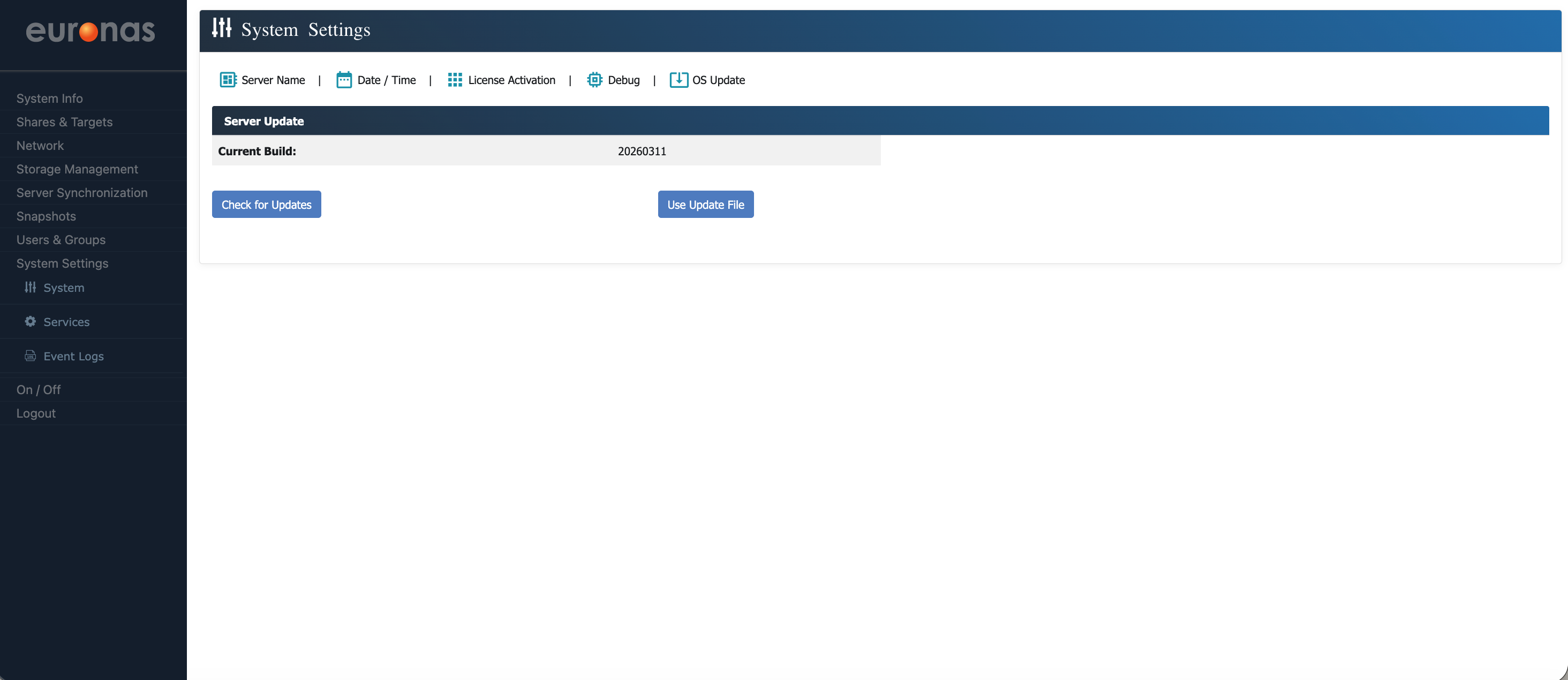
Here you can view the current build level of the system. In this example, the system is running build 20260311.
Select the OS Update icon to open the Server Code Update page.
It is recommended to check for and apply updates at this stage to ensure the system is running the latest code, as updates may include stability, performance, and compatibility improvements.
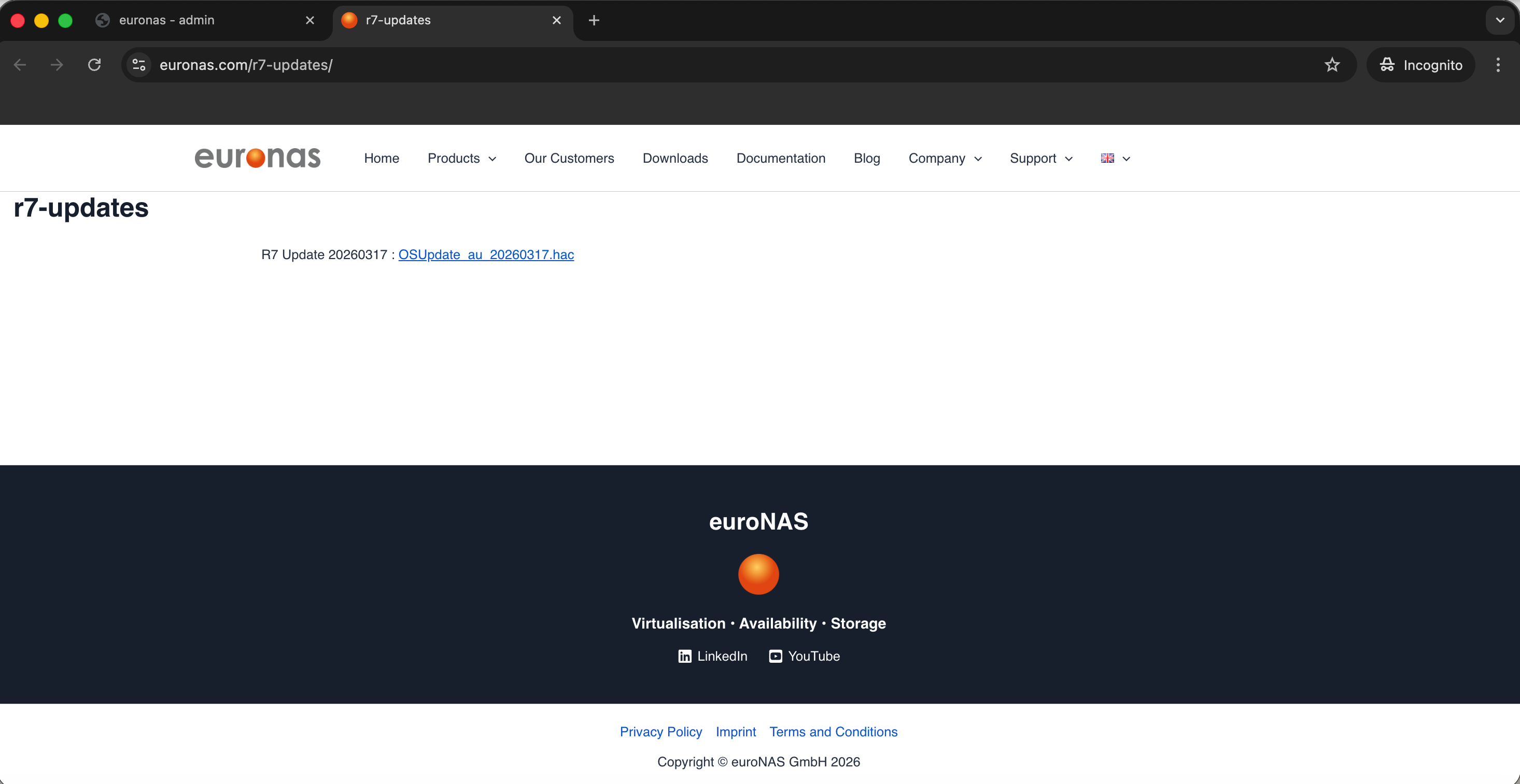
The page will display the latest available build version. In this example, the current update available is 20260317.
Download the update and save it to an accessible location, as it will be required for the upgrade process.
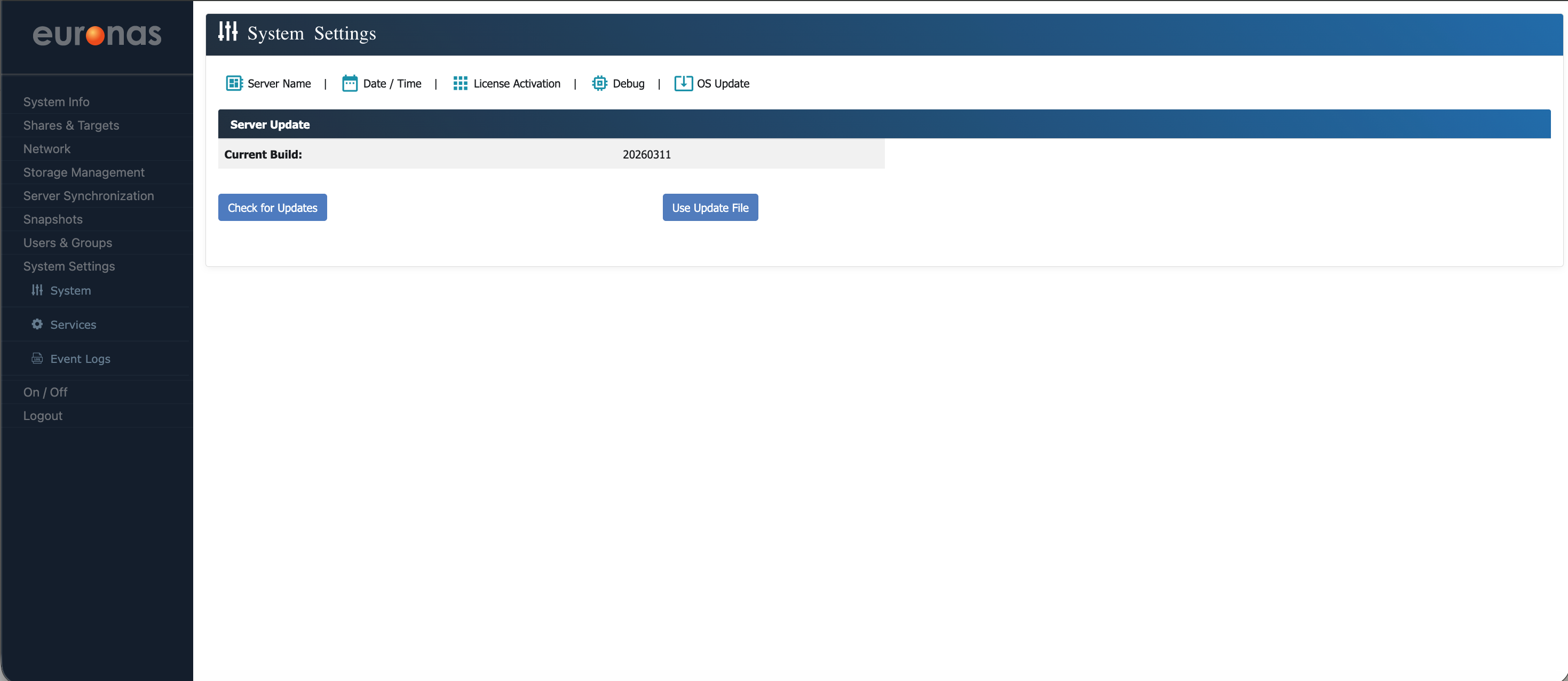
Select the Use Update File icon.