
Server Name and Software Update
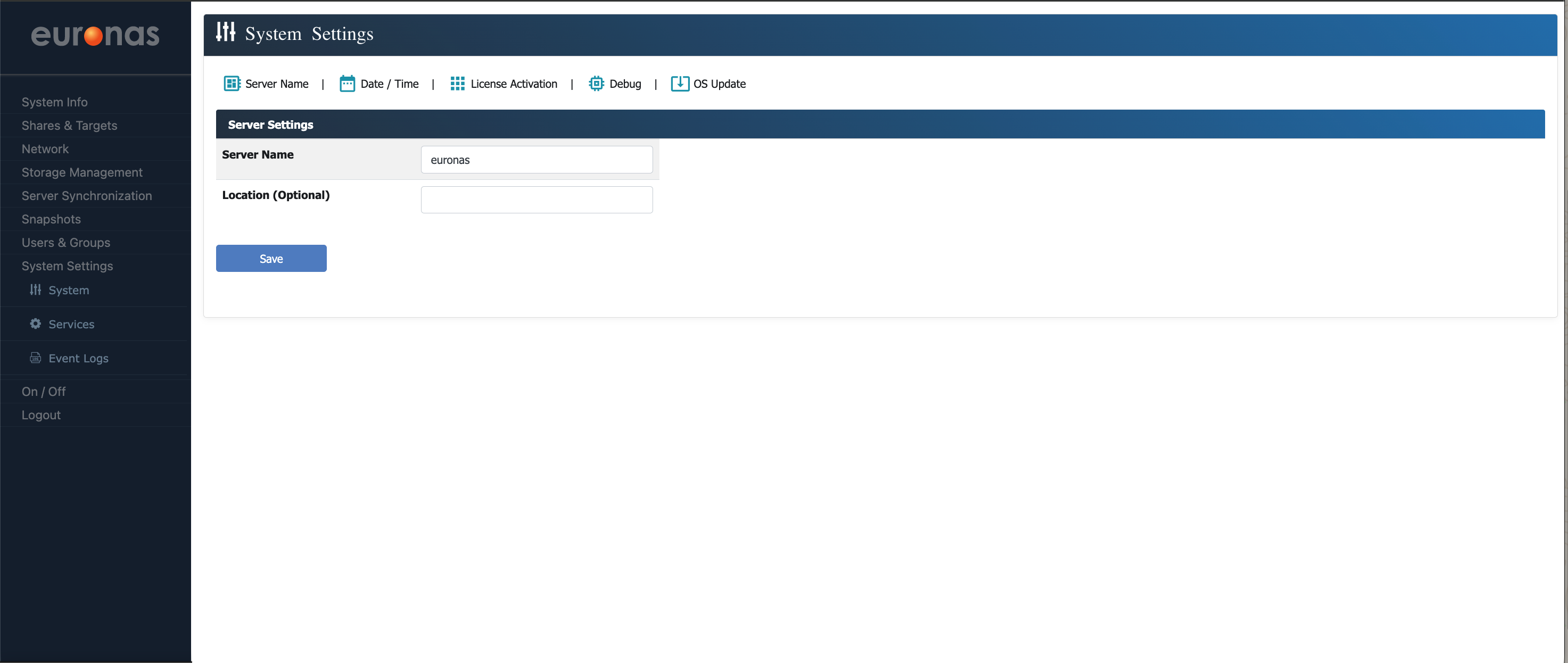
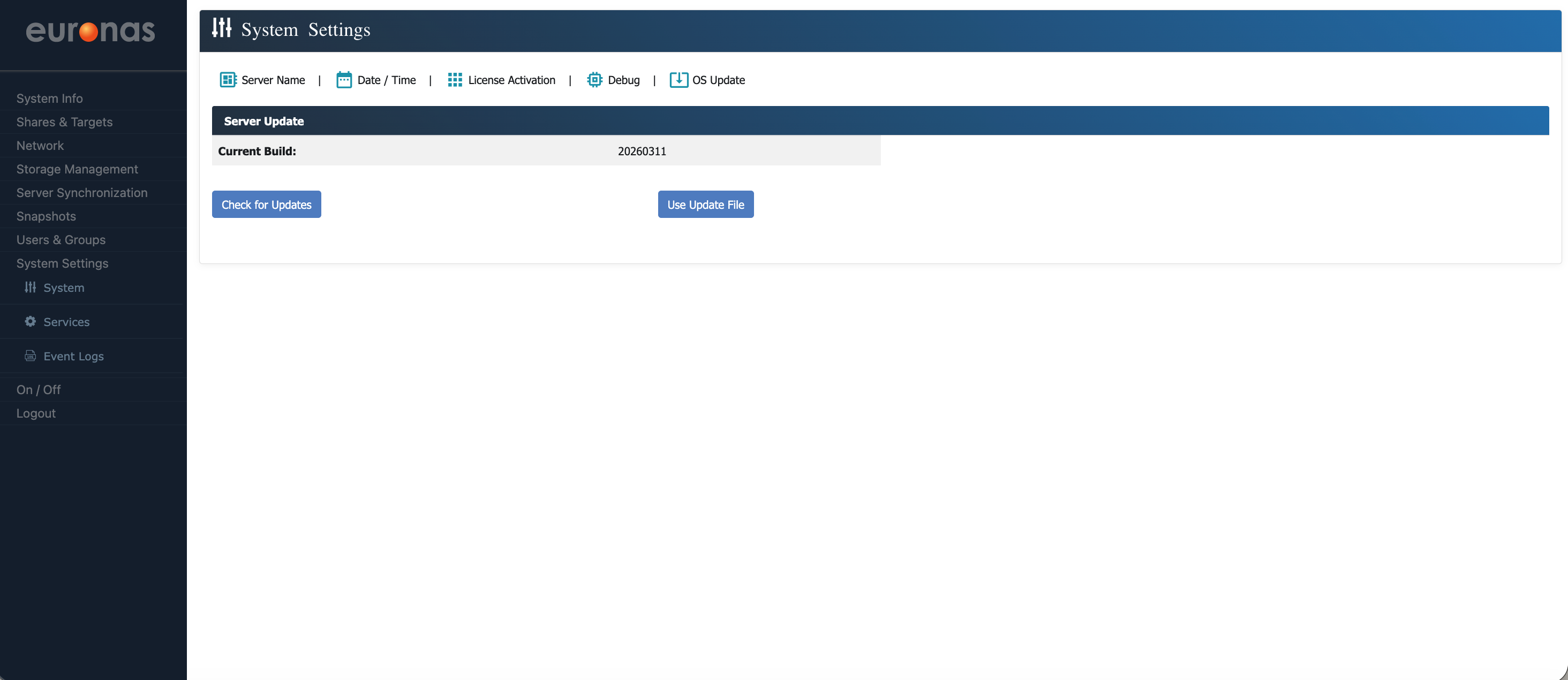
Here you can view the current build level of the system. In this example, the system is running build 20260311.
Select the OS Update icon to open the Server Code Update page.
It is recommended to check for and apply updates at this stage to ensure the system is running the latest code, as updates may include stability, performance, and compatibility improvements.
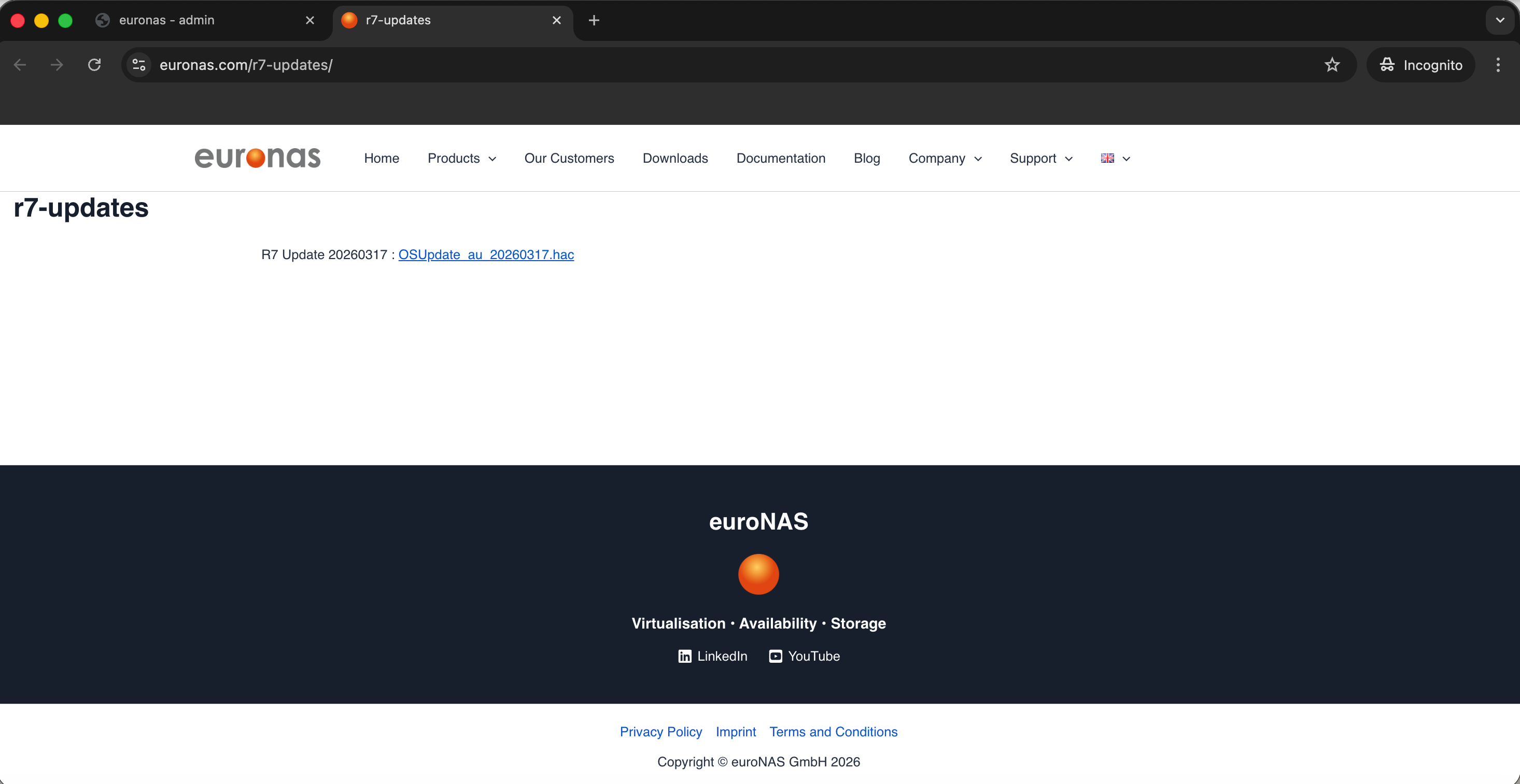
The page will display the latest available build version. In this example, the current update available is 20260317.
Download the update and save it to an accessible location, as it will be required for the upgrade process.
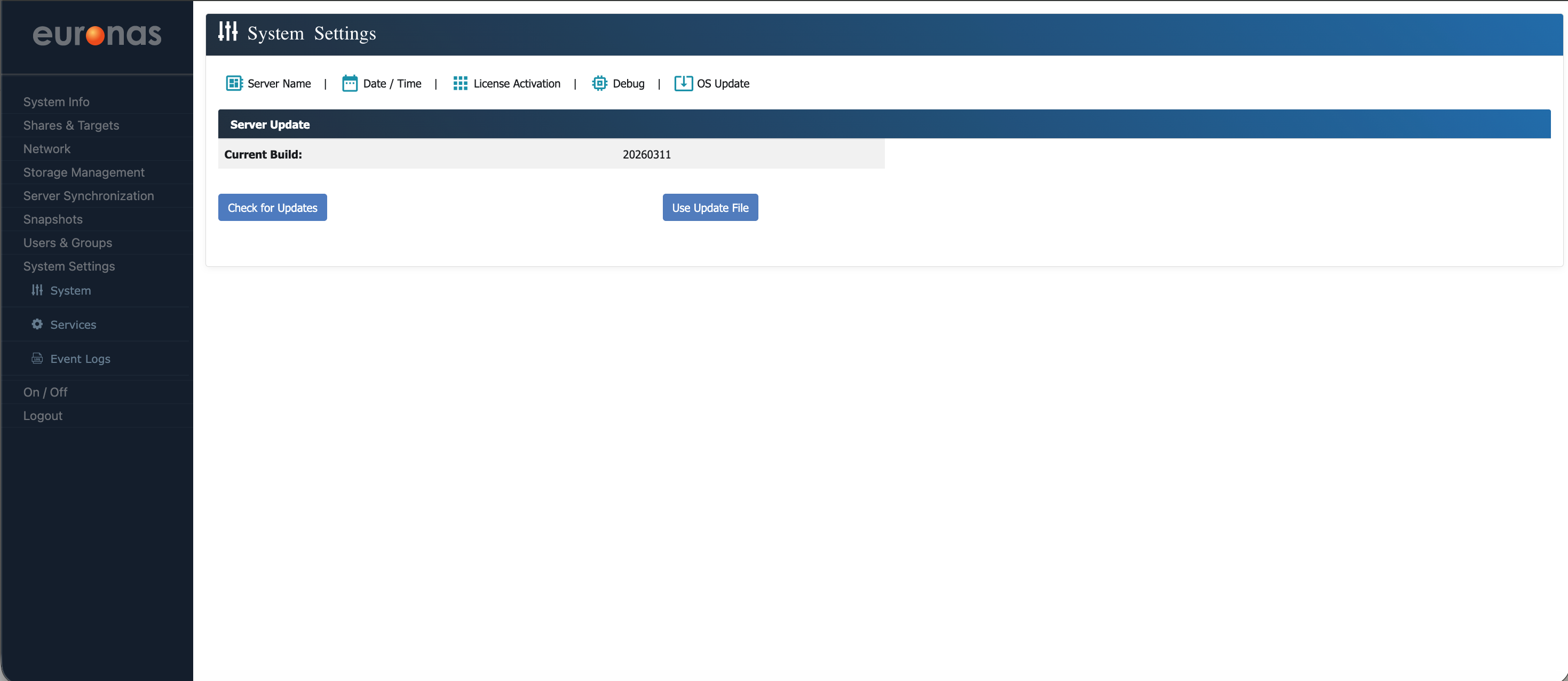
Select the Use Update File icon.
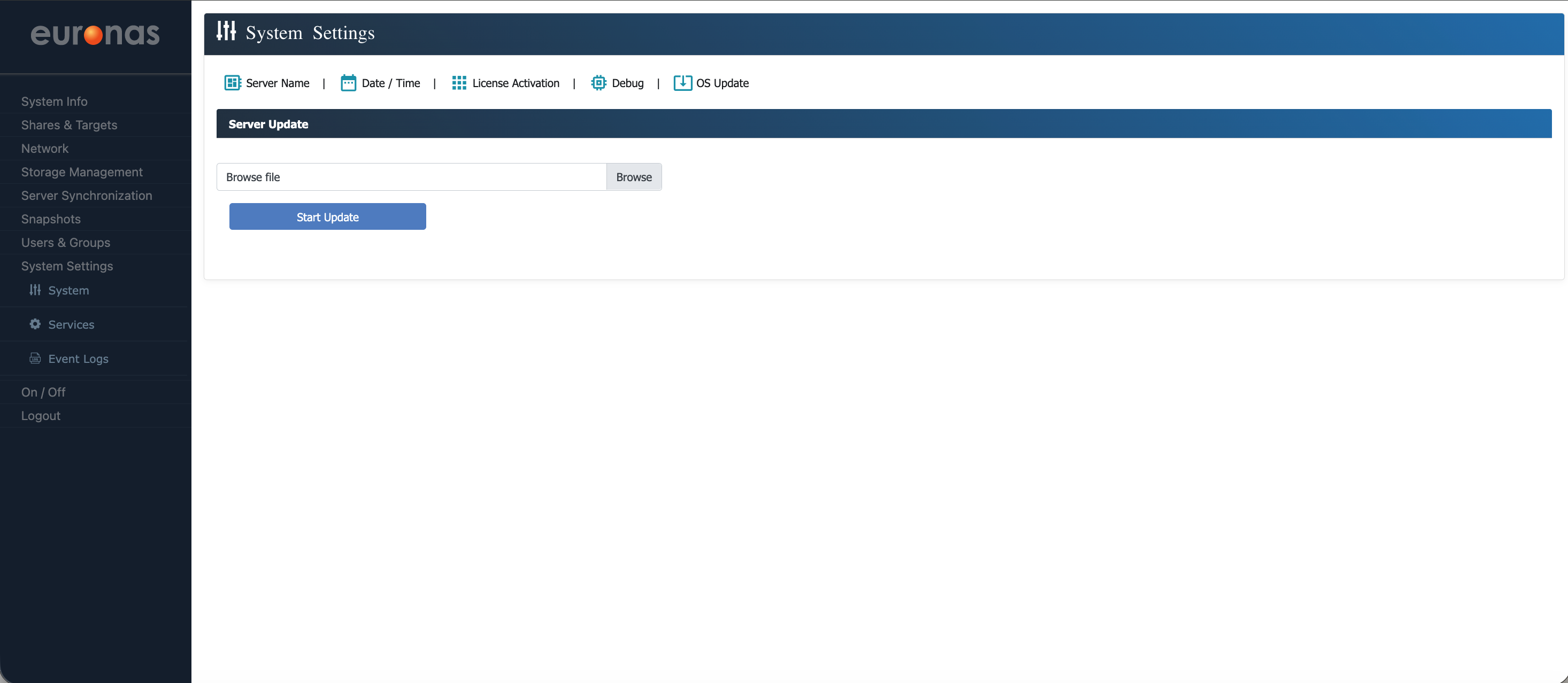
Select the Browse icon.
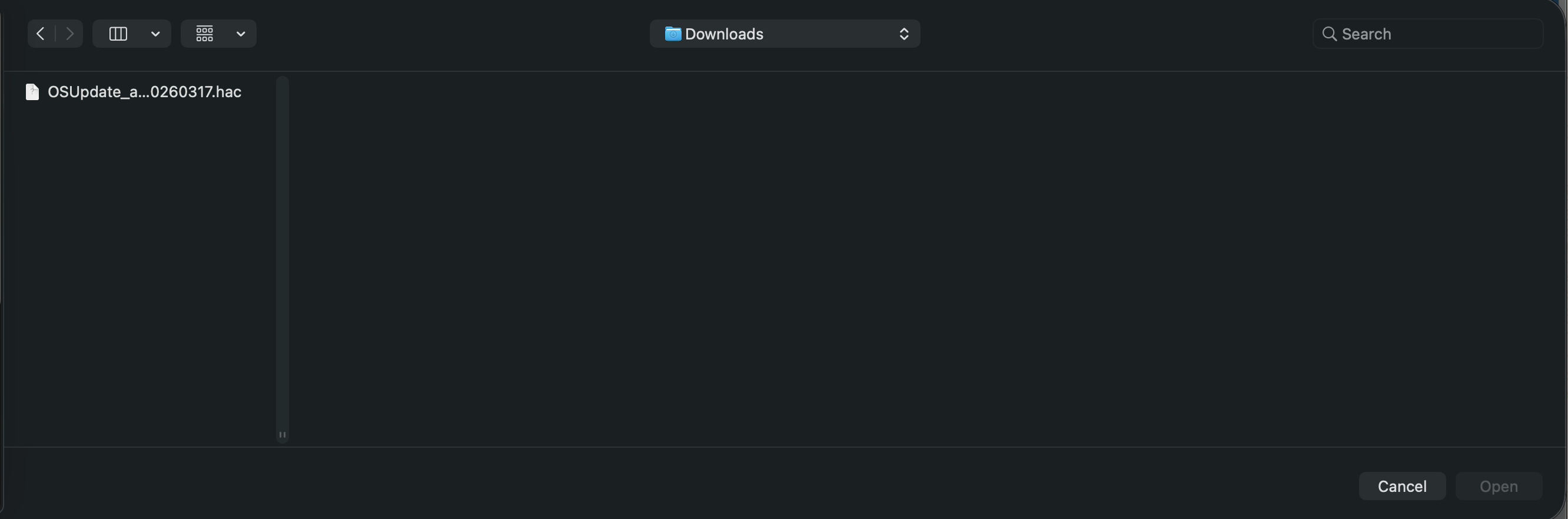
Navigate to the location where the update file is stored and select the file.
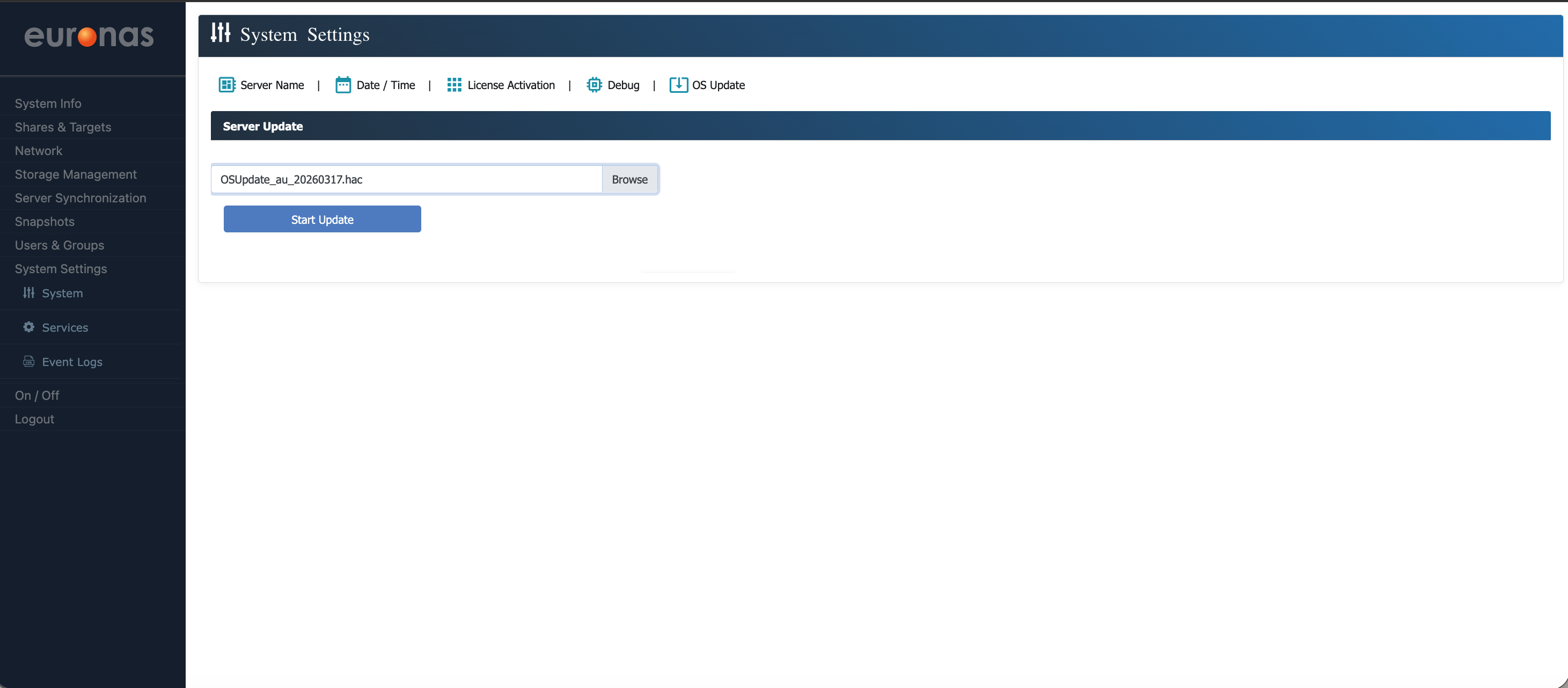
You are now ready to apply the update directly to the server. Go ahead and press the Start Update button.This process can be performed while the system is running. It is recommended that all updates are carried out during an approved maintenance window.
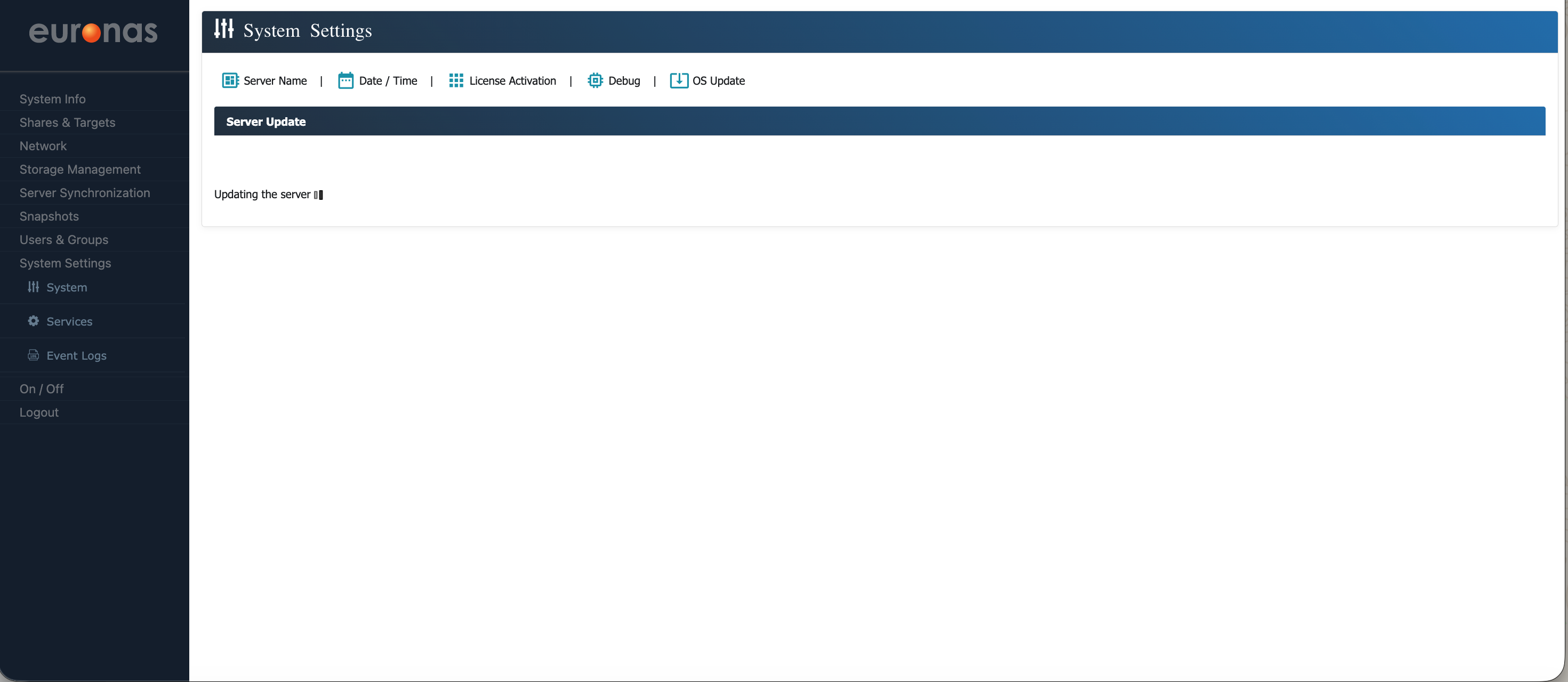
The system will apply the update in due course.
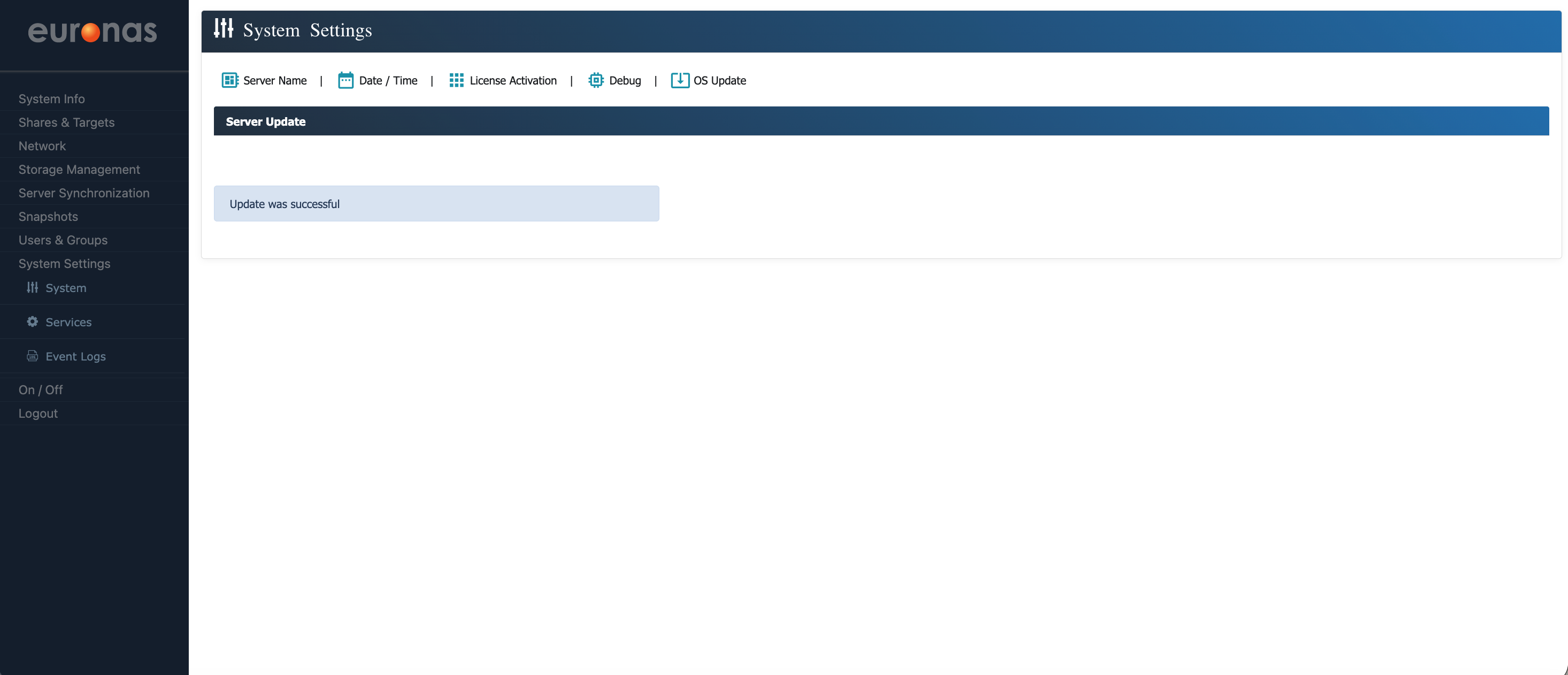
Once the update has completed, the system will confirm that the upgrade was successful.
At this point, the base system has been fully deployed. The platform has been installed from ISO, the server instance has been created, networking has been configured, and the system has been brought up to the required code level. The system is now operational, accessible, and ready for use.
You have completed the base installation and configuration of euroNAS Premium Plus.
The next stage is to configure storage. This includes defining the storage layout, creating file systems, and configuring the required services and shares, such as SMB, iSCSI, and NVMe over TCP.
Continue to the next section to configure storage, including file systems, storage layouts, and services such as SMB, iSCSI, and NVMe over TCP.