
iSCSI Access Setup
This section covers configuring iSCSI to present block-based storage to clients. This includes creating targets and making storage available to systems that require direct block-level access.
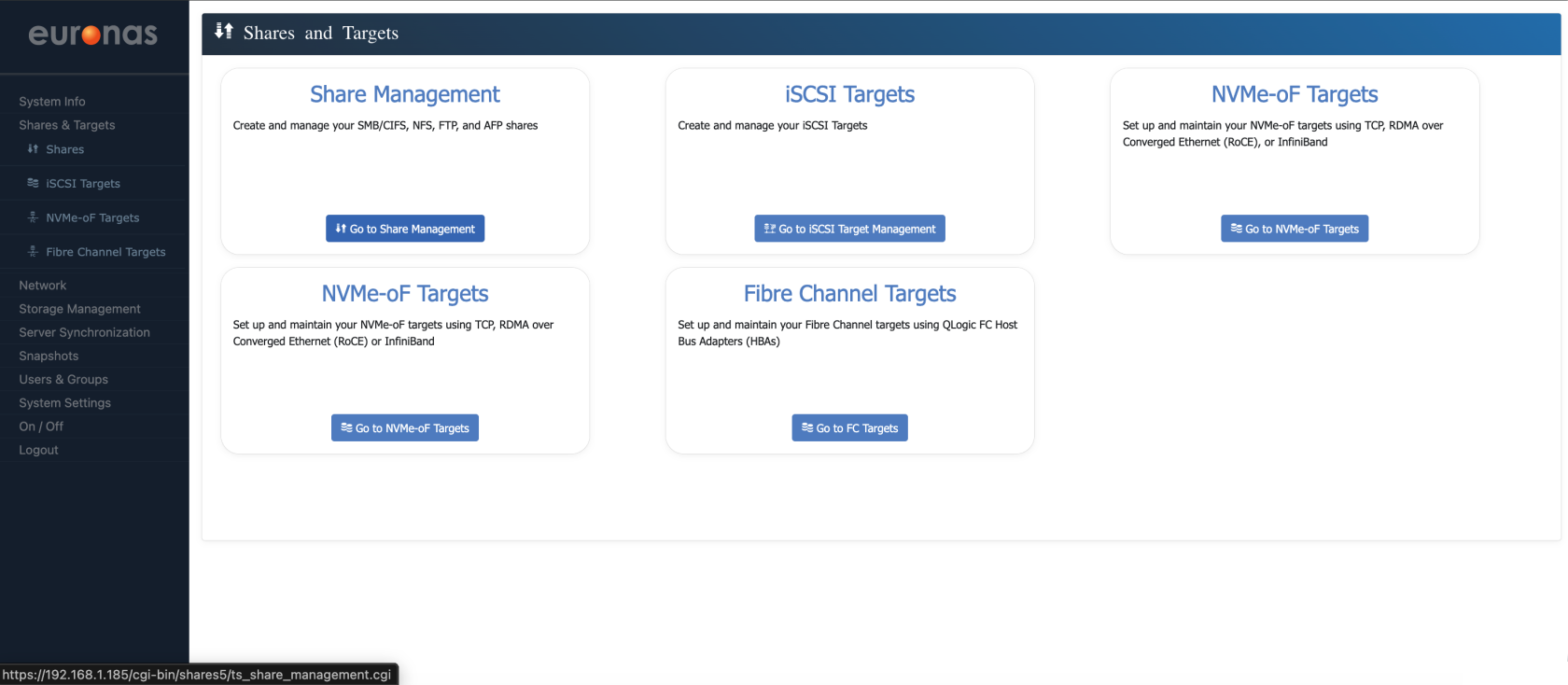
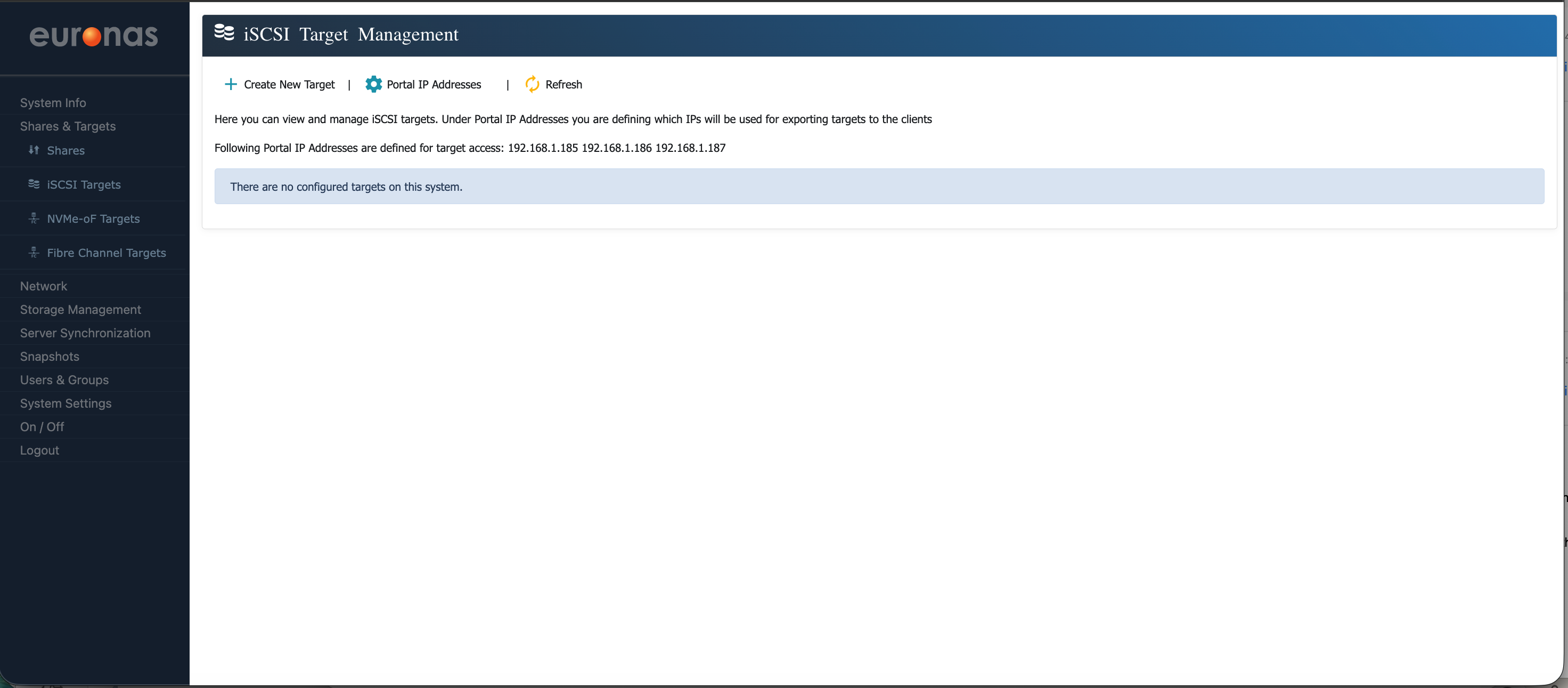
To create a new iSCSI target start by clicking the + Create New Target menu option
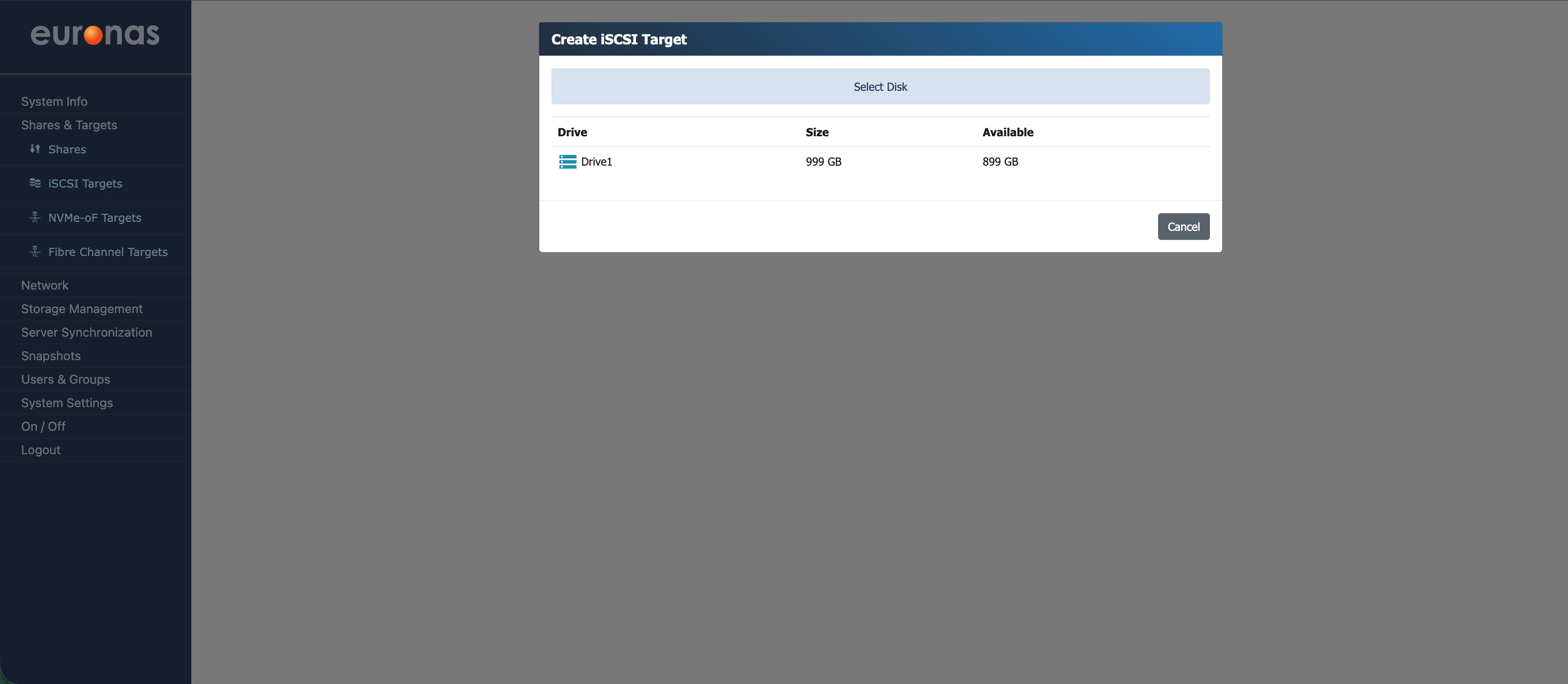
The Create iSCSI Target wizard is now displayed, showing the available storage. As shown, the 1 TB drive (Drive1) reflects the previously created 100 GB share (SMB1), with the remaining capacity now available for use. Select Drive1 to continue. If multiple drives are present, they will be listed here for selection.
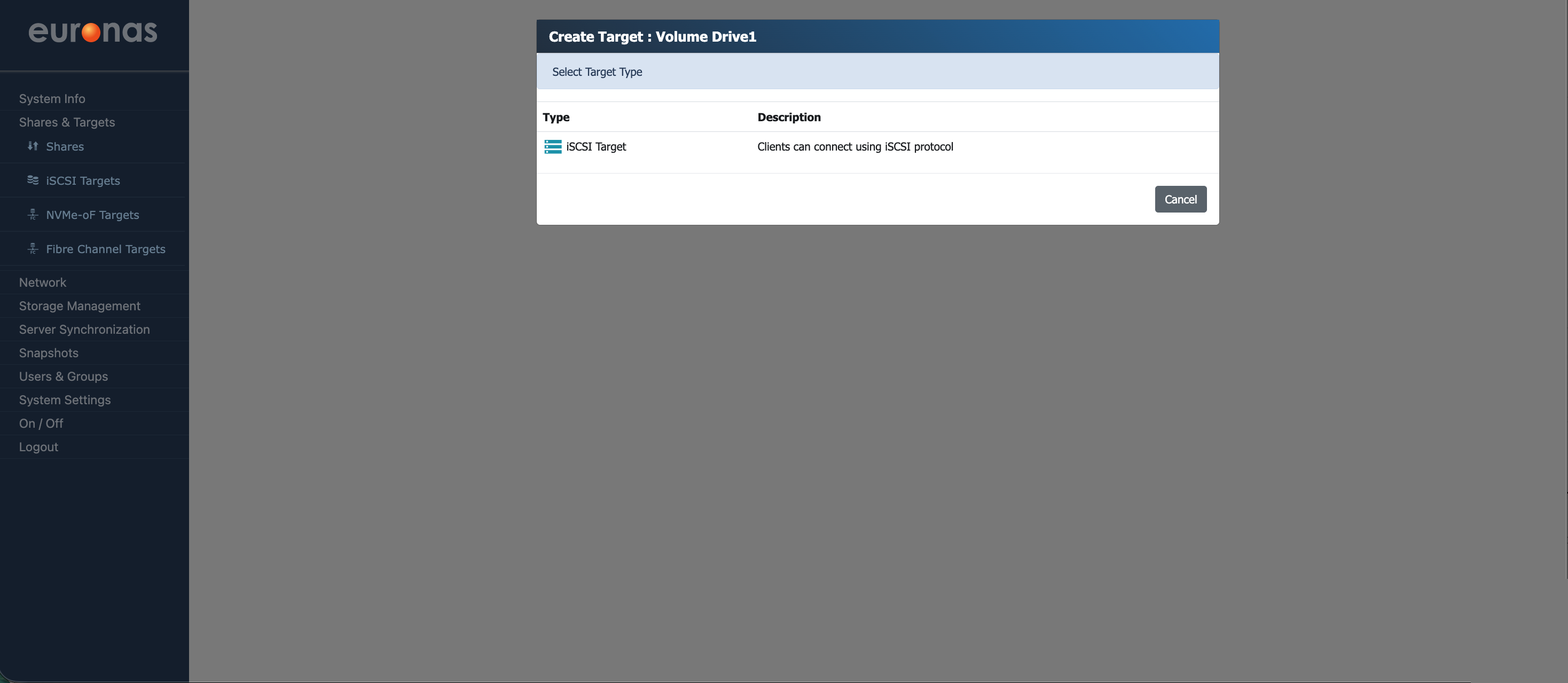
Select and click the iSCSI Target icon
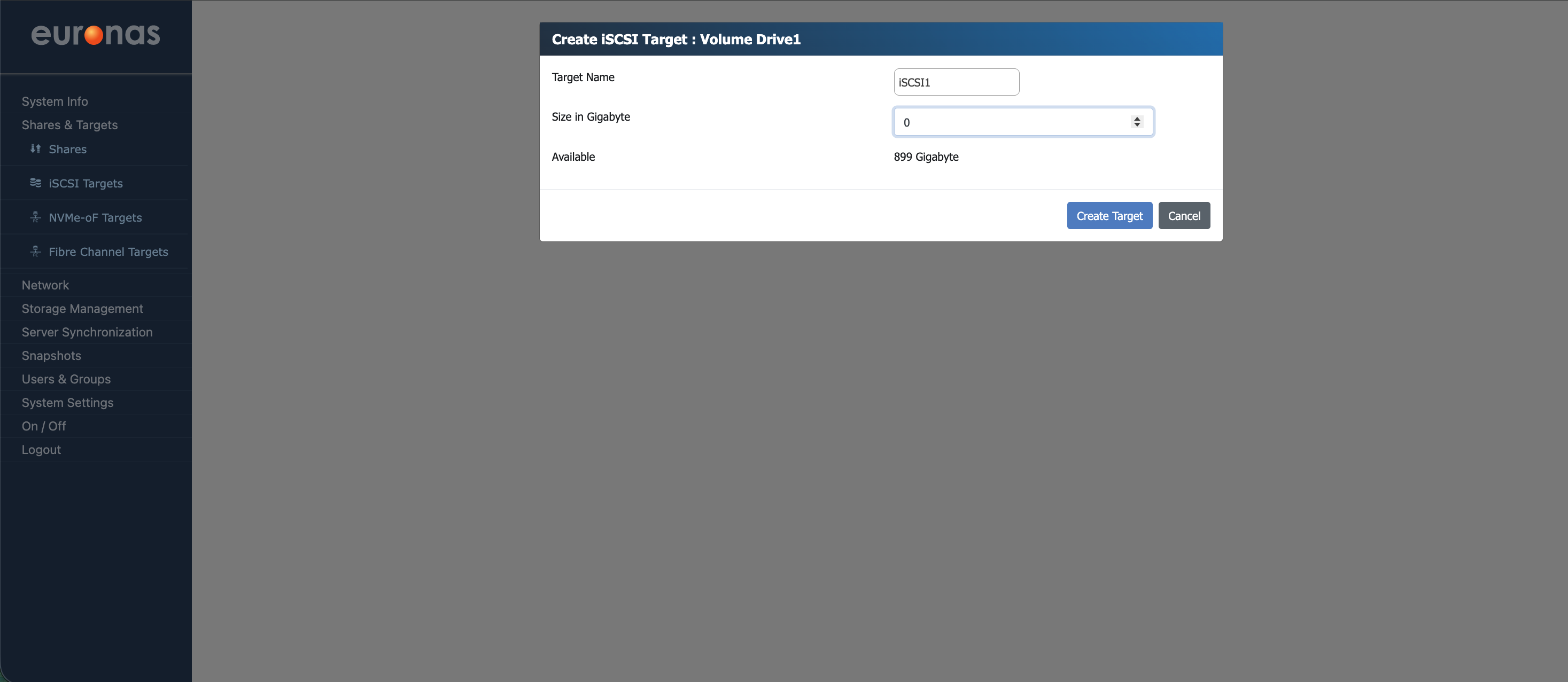
Provide a name for the target and define the required size for our example it will be 250g, then select Create Target to continue.
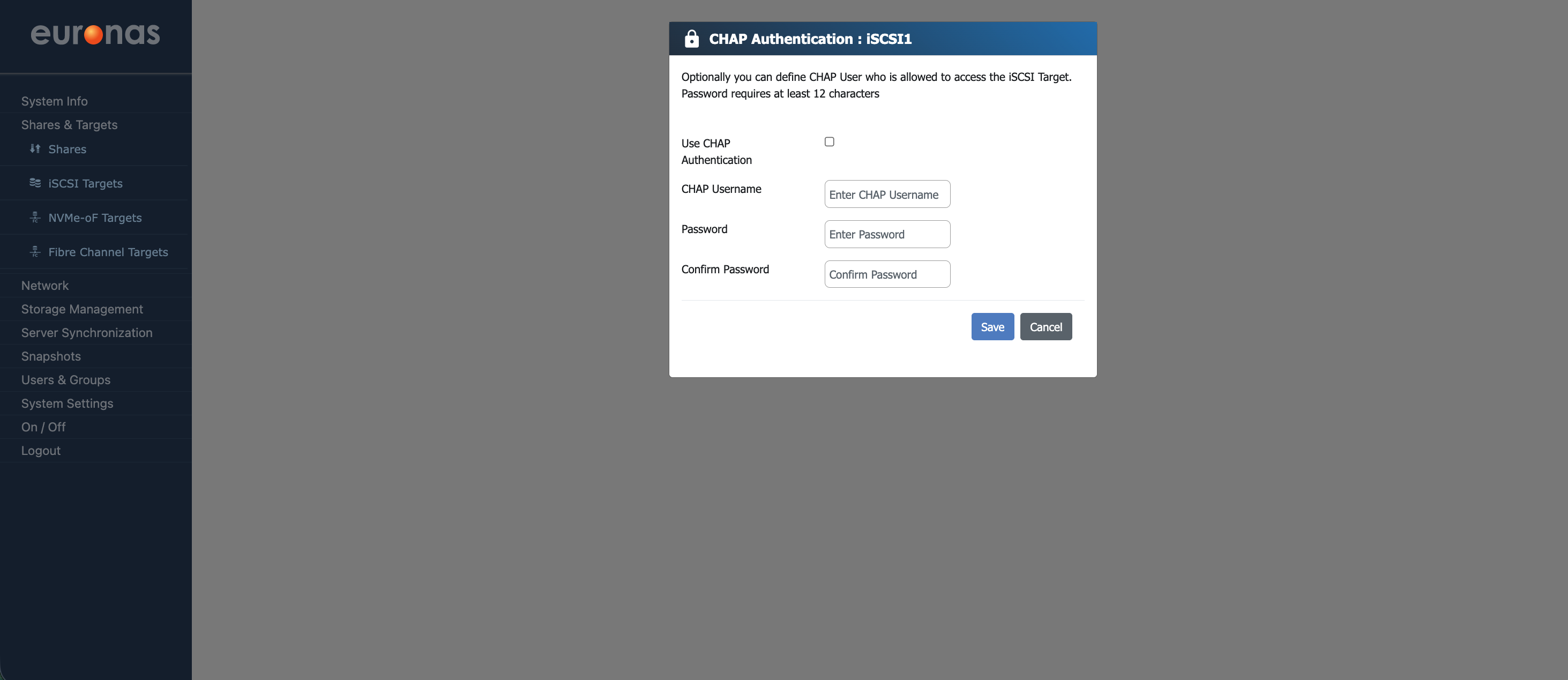
As part of the LUN creation process, you will be prompted to configure CHAP authentication. This should be enabled and configured with a secure username and password. The CHAP password must be a minimum of 12 characters and should comply with your organisation’s security policy.
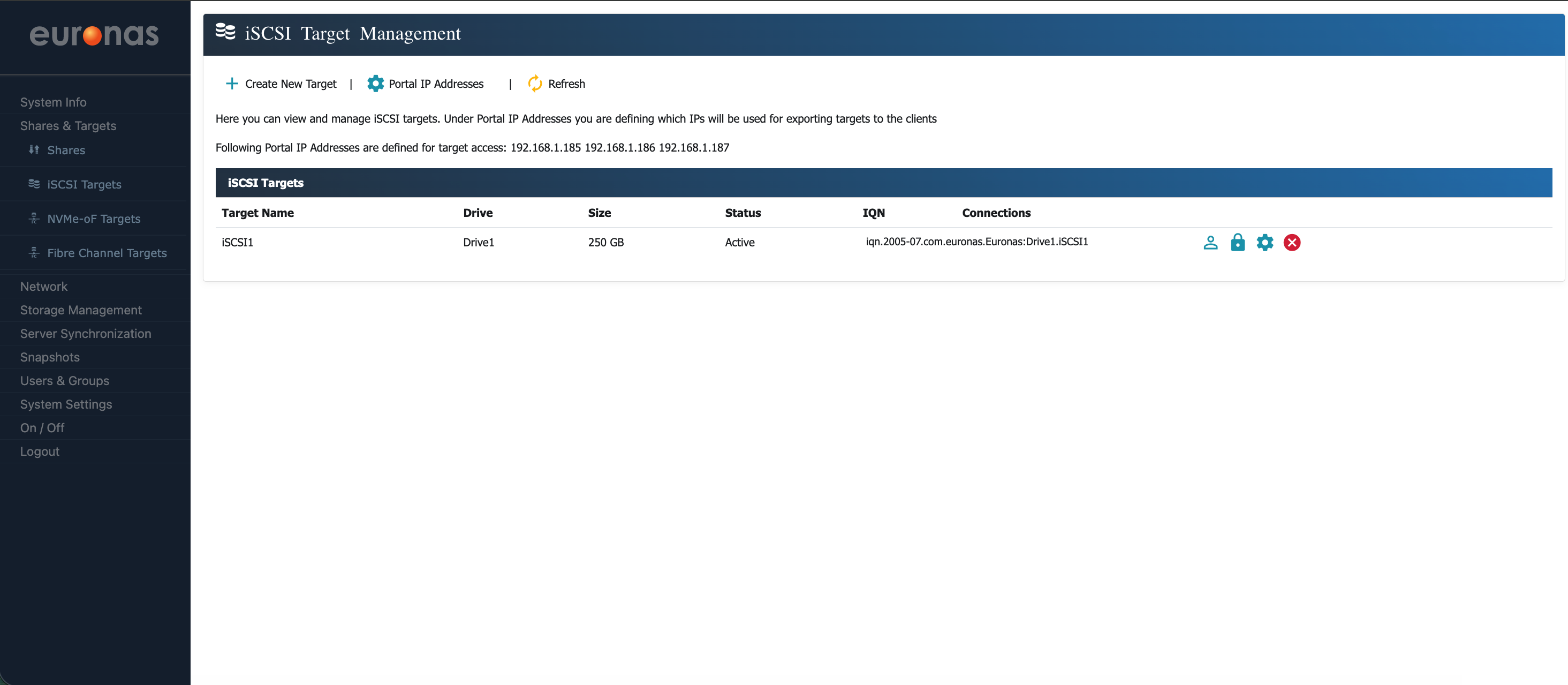
As shown, the 250 GB iSCSI target has now been created and is visible.
The table displays key information for each target, including the assigned drive, size, status, and IQN (iSCSI Qualified Name). The IQN, along with the configured portal IP addresses, is used by client systems to discover and connect to the target.