
Snapshot Scheduling
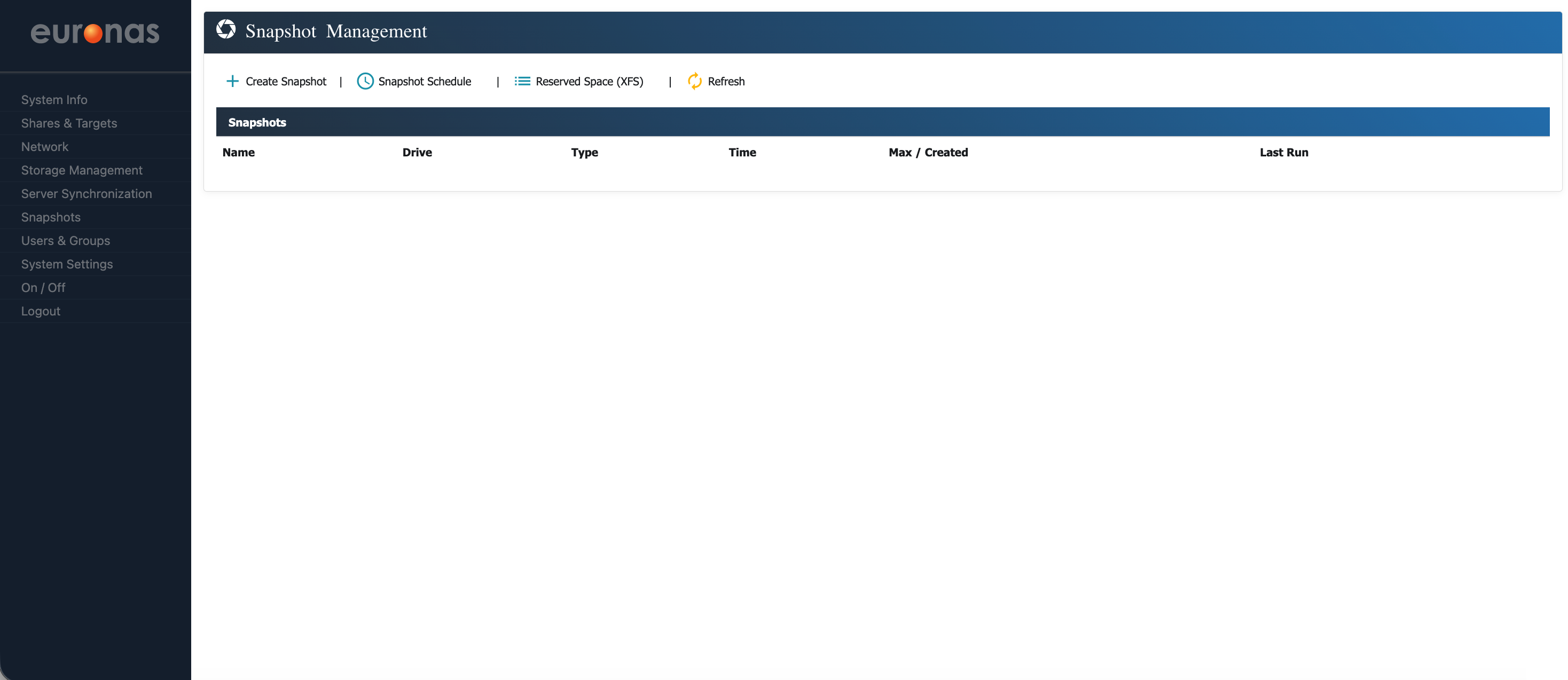
While creating snapshots manually is useful, it is generally more efficient to schedule them. Scheduling provides greater control and allows snapshot frequency to be aligned with business processes or resilience requirements, including protection against events such as data corruption or malware.
It also removes the need for ongoing manual management.
From the Snapshot Management screen, select Snapshot Schedule.
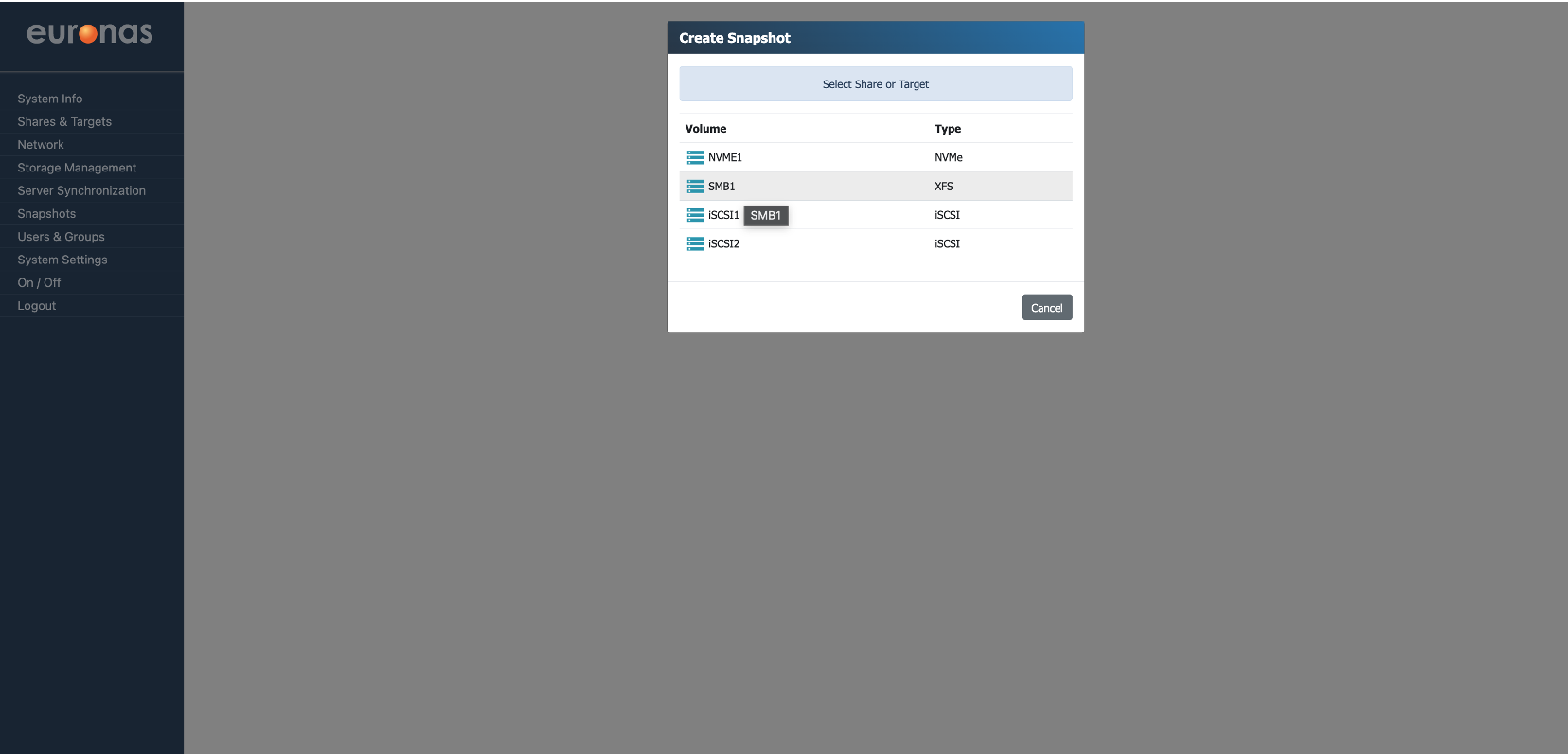
This will open the Create Snapshot Schedule wizard. As before, the SMB share SMB1 has been selected.
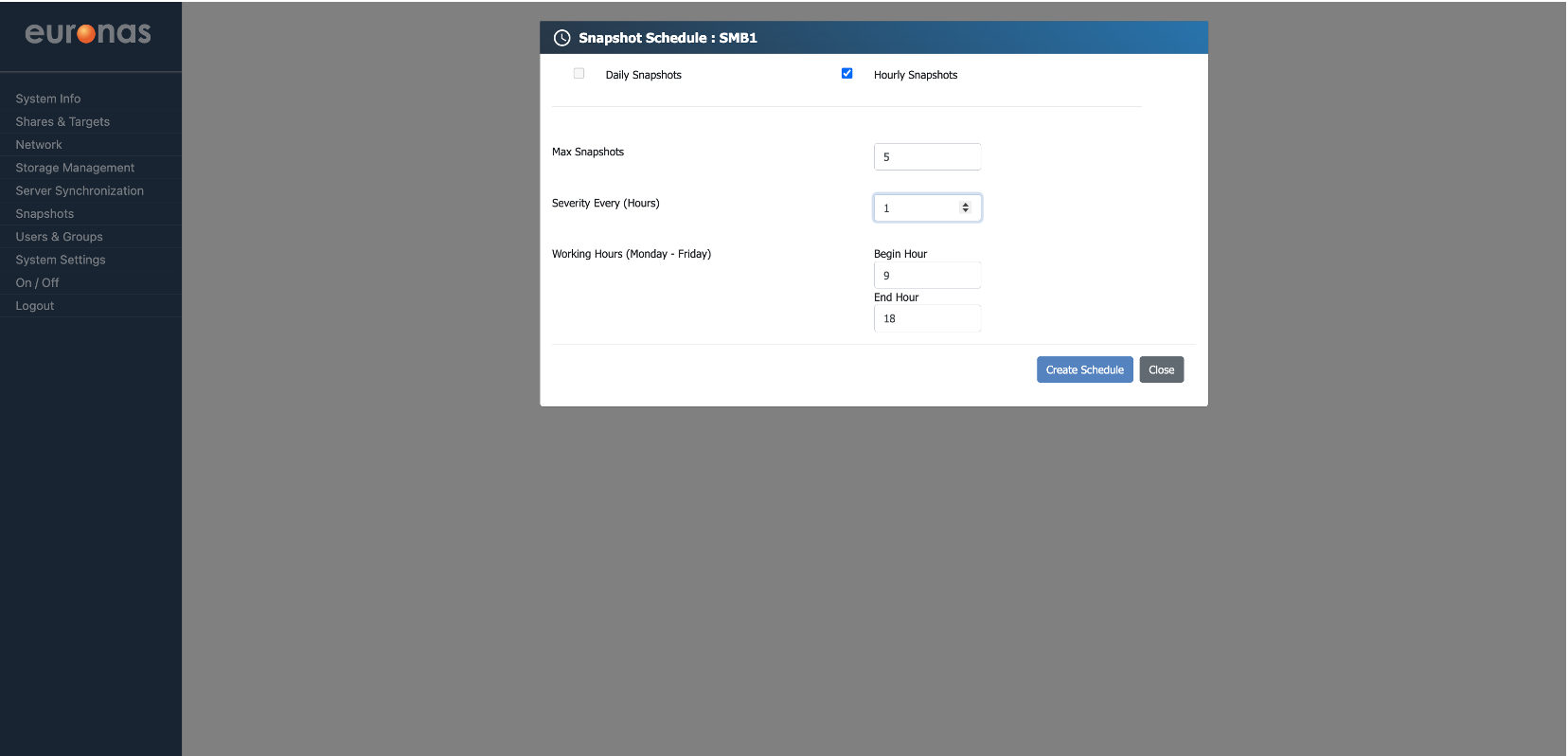
In this example, an hourly snapshot schedule has been configured. The system creates a rolling set of five snapshots, taken every hour between 09:00 and 18:00.
As new snapshots are created, the oldest are automatically removed, ensuring the total remains within the defined limit.