Access control for NFS Shares
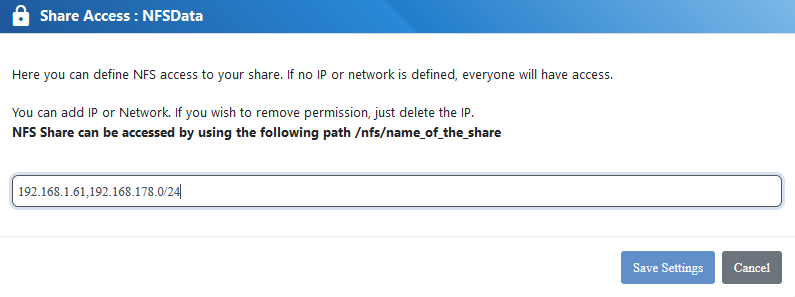
For NFS access you can define which IP addresses or networks are permitted to access the share. Per default access is open for evey IP
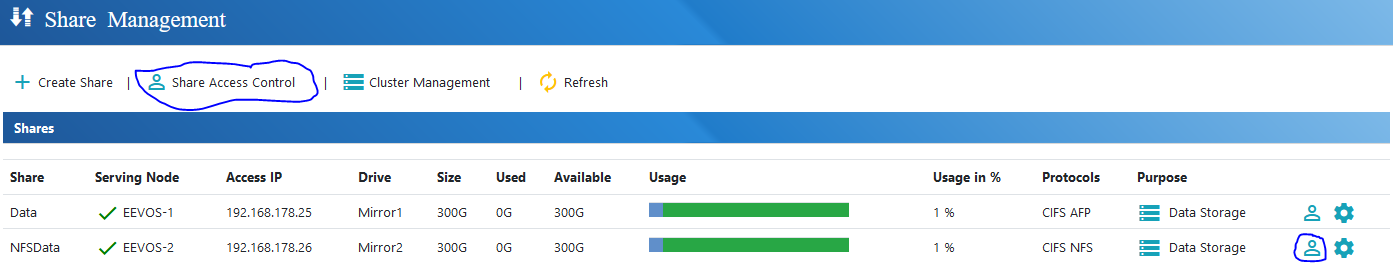
You can define access to the shares via “Data Management” – “Shares” – “Share Access Control” or click on the “User Icon” next to the share
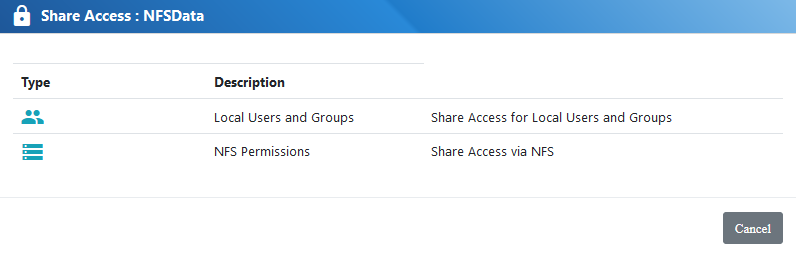
Select the option Option “NFS Permissions”
Define the IP addresses or networks