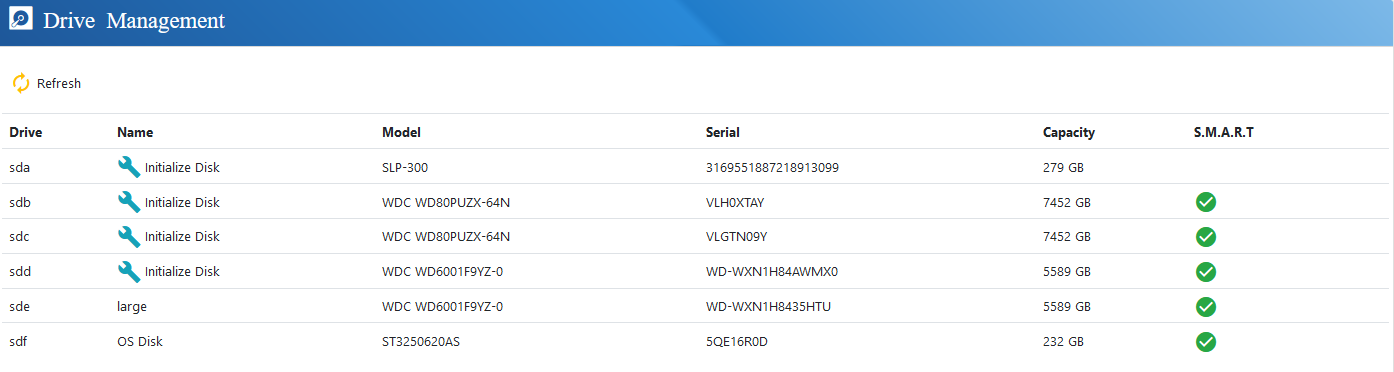
Drive Management
Within the Drive Management screen, administrators can view all physical storage devices currently detected by the system and prepare them for use within the server.
euroNAS software supports SATA, SAS, SSD, NVMe, and Fibre Channel drives.
Before a drive can be used by the system, it must first be initialised. Administrators should ensure that no important data exists on the selected drive prior to initialisation, as this process will permanently erase all existing data on the device.
Once initialised, the drive can then be used for the creation of Cluster Drives and Virtual Drives.