Access control for SMB/CIFS and AFP Shares
For SMB / CIFS and AFP shares you can use following permissions
– Local users and groups
– Active Directory Users and Groups
You can define access to the shares via “Data Management” – “Shares” – “Share Access Control” or click on the “User Icon” next to the share

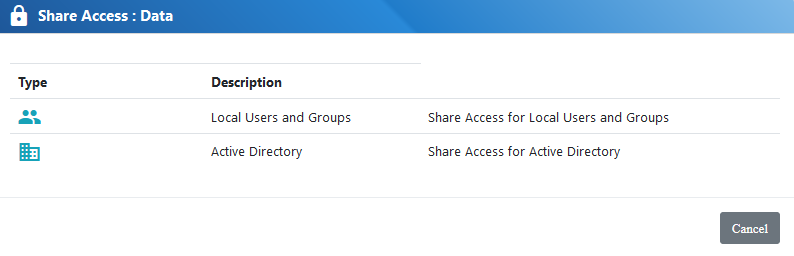
Select if you wish to assign local or active directory users and groups. Active Directory option will only be shown if the node is member of the active directory domain
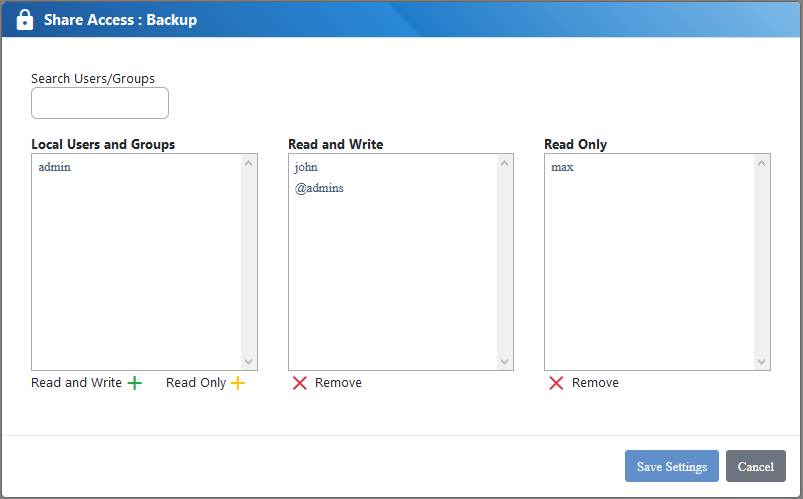
Define the users and their access level (read/write or read only)