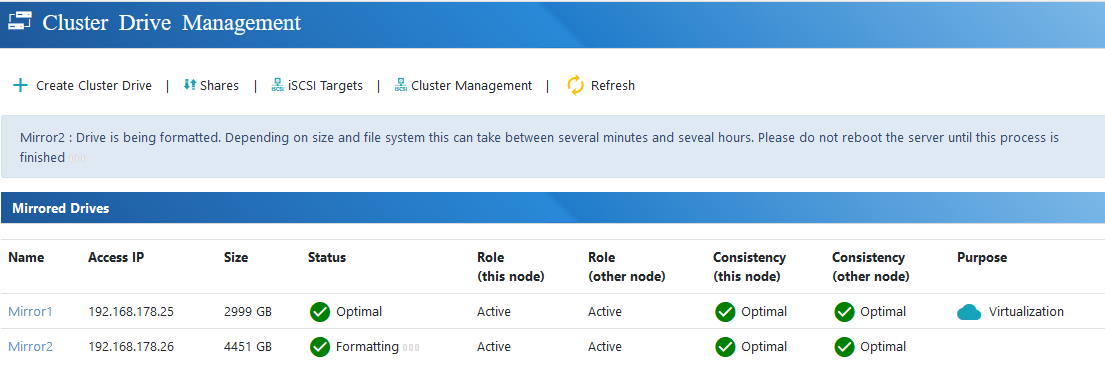
Creating Mirrored Cluster Drive
In this article, we will walk through the creation of the most common option: the “Drive Mirror.”
Step-by-Step Guide to Creating a Drive Mirror
To begin creating a cluster drive, click on “Create Cluster Drive” within the “Cluster Drive Management” section.

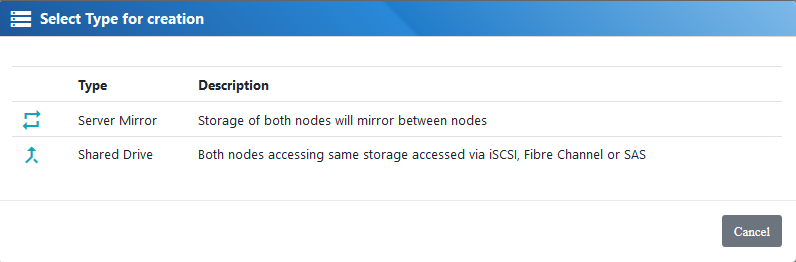
1. Select Storage Type
Choose the type of storage for your cluster drive. You can either create a drive mirror or a shared drive accessed by both nodes via iSCSI, SAS, Fibre Channel, NVMe-oF, or NVMe over TCP. In this example, we will create a drive mirror.
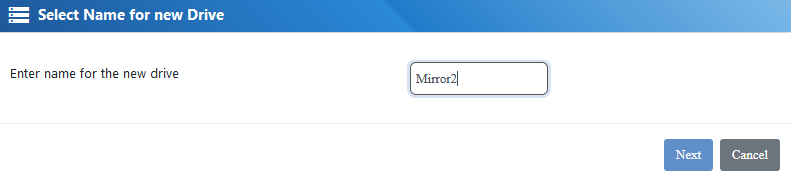
2. Name the New Drive
Enter a name for your new cluster drive.
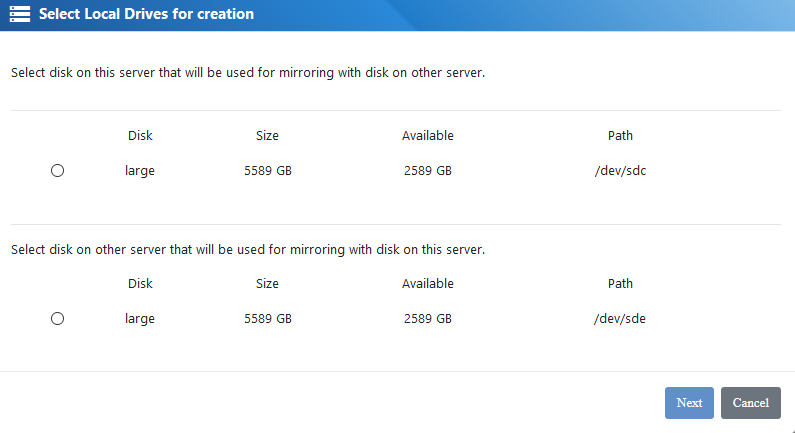
3. Select Local Drives from Each Node
Choose the local drives from every node that will be part of the drive mirror.
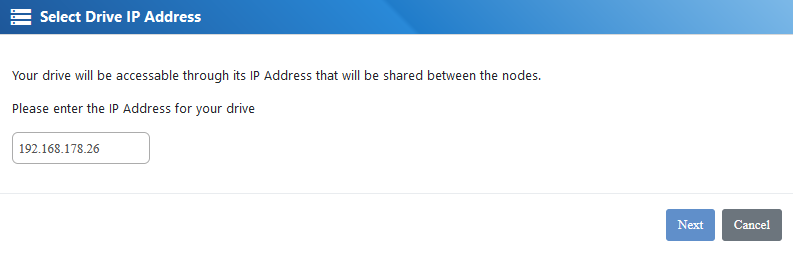
4. Assign an IP Address
5. Completion
Once the drive is created, you will see it listed in the Cluster Drive Management interface.